How VAT works in Tallium
What VAT is and how Tallium handles it for you.
VAT is a 5% tax most UAE businesses add to sales and can reclaim on purchases. Tallium tags VAT on every transaction so your return builds itself.
What you'll do
See how VAT is handled.
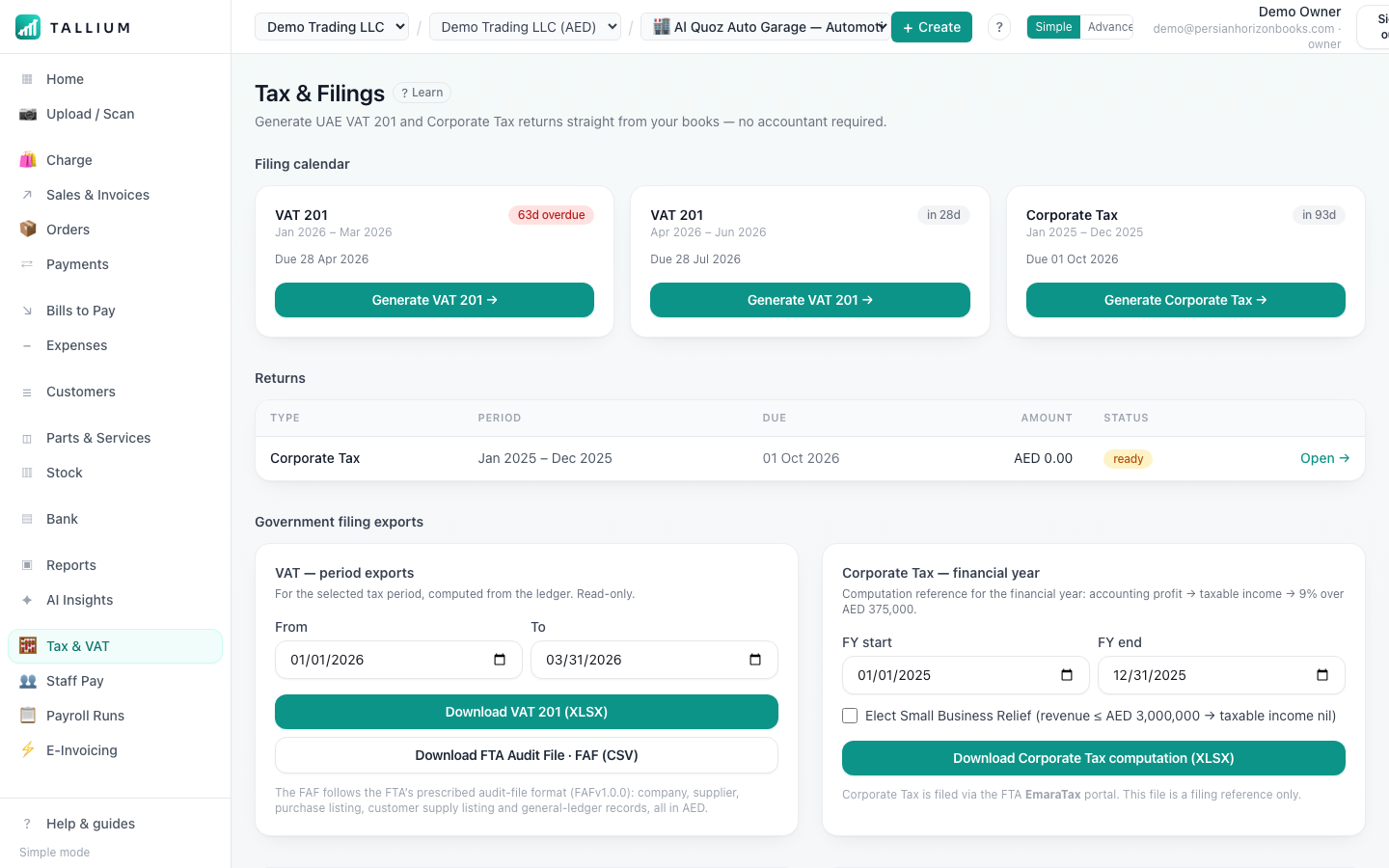
- 1Open Tax filings to see VAT tracked on every transaction and your return building itself.On a computer
 On your phone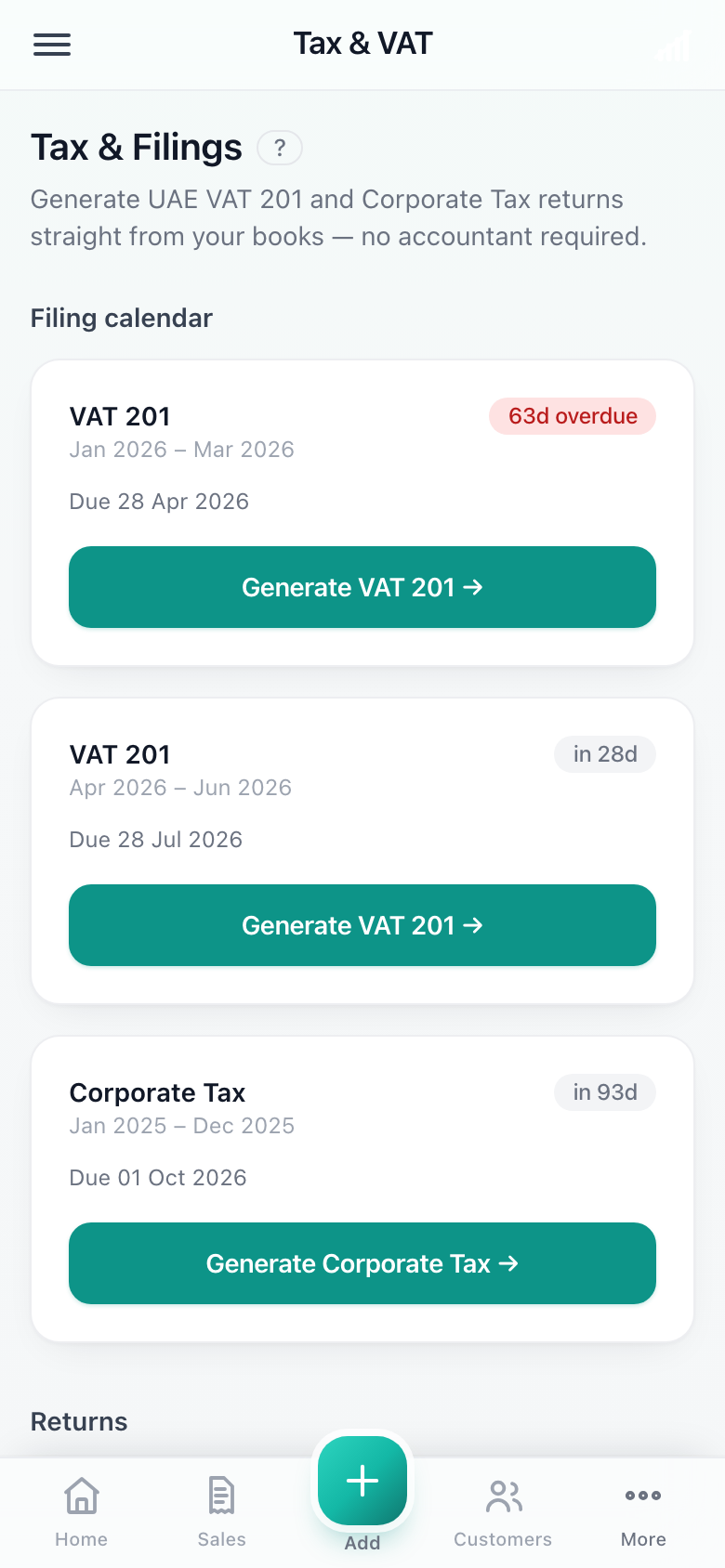
Tax filings.
- Sales VAT (output) is added automatically on invoices and POS sales.
- Purchase VAT (input) on bills and expenses is tracked so you can reclaim it.
- Not registered yet? You can run Tallium with VAT switched off and turn it on later.
- Some items are zero-rated or exempt — set the correct treatment on the product.
Tip
Your TRN goes in Settings → Tax. It then prints on every tax invoice automatically.
Related articles
All tax & vat articlesStill stuck? Contact us