Add a product
Create a product once and it's available everywhere.
Adding a product lets you sell it on the POS and online, and track how many you have at each location.
What you'll do
Add a product you can sell and track.
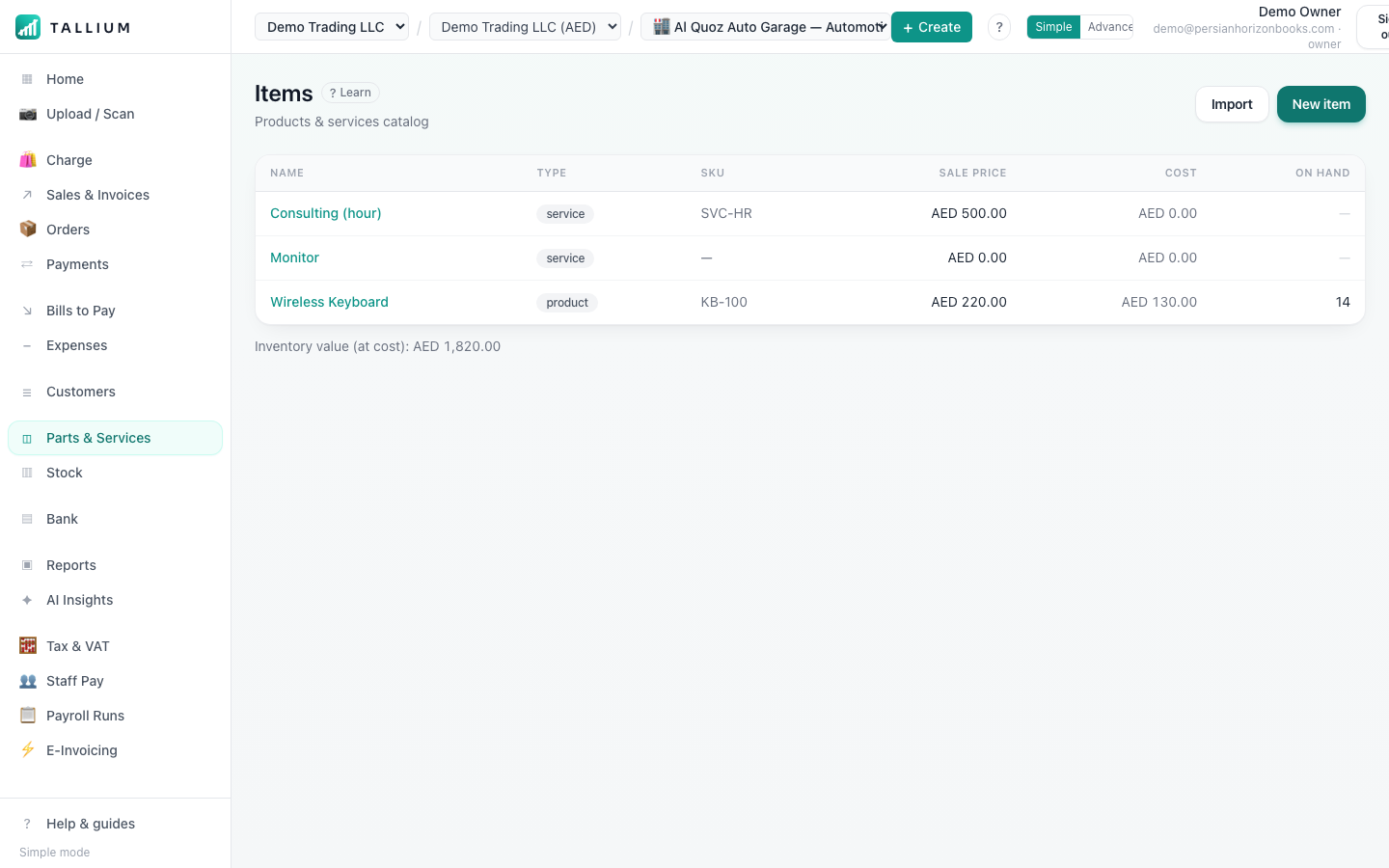
- 1Open Products (Items) from the menu.On a computer
 On your phone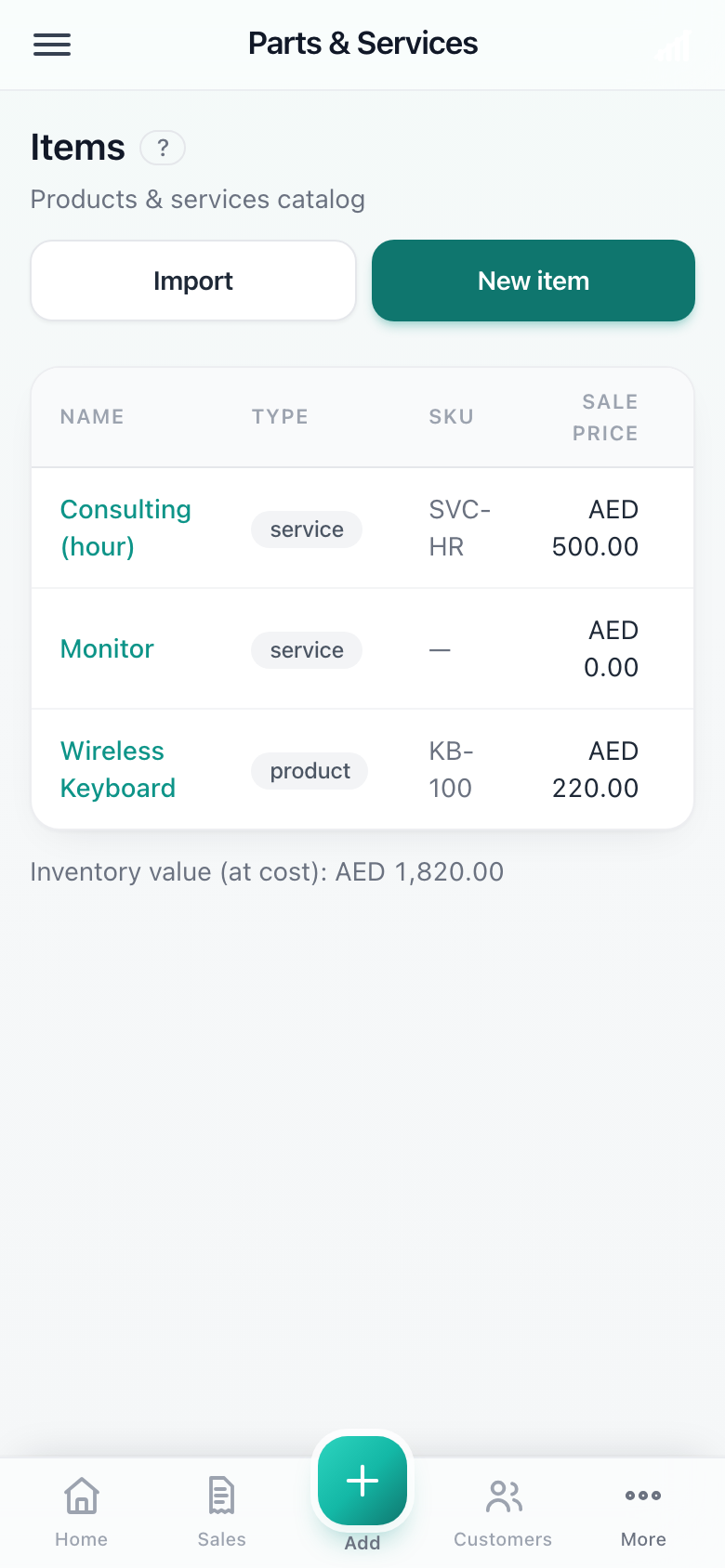
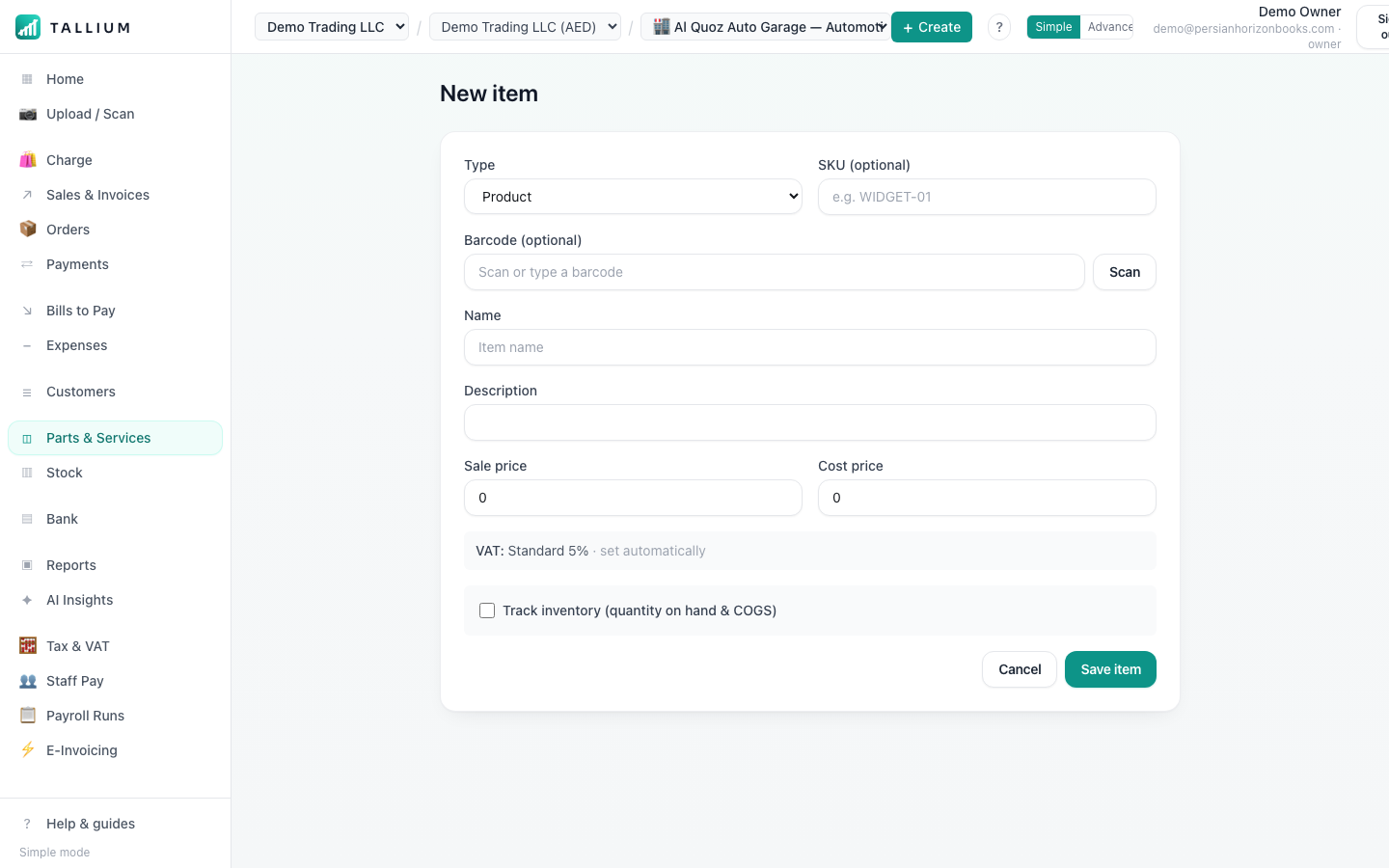
Your products & items. - 2Click New to add the name, barcode, price and opening stock.On a computer
 On your phone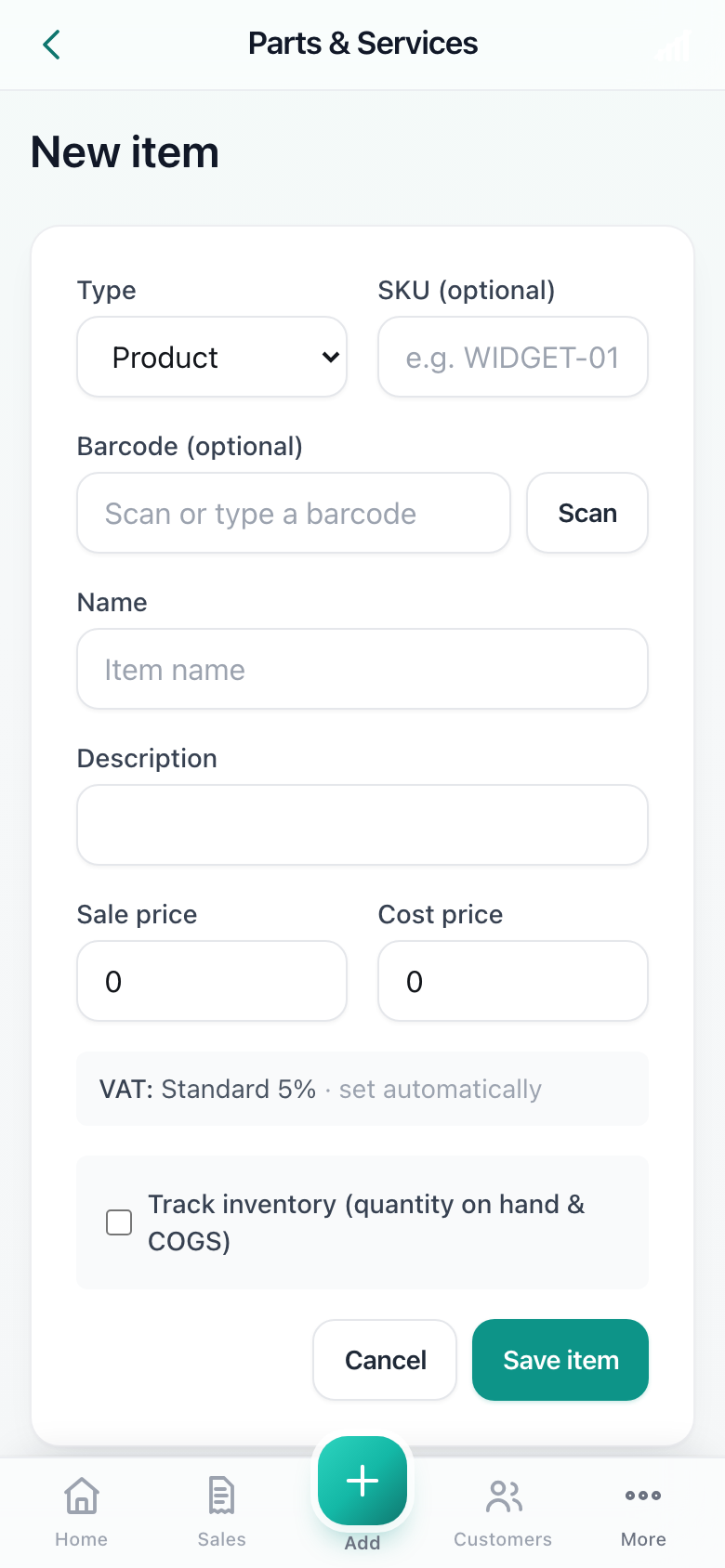
Adding a new product.
Tip
Products with variations (sizes, colours) can be added as variants under one product, each with its own barcode.
Related articles
All inventory articlesStill stuck? Contact us