Make a sale and scan a barcode
Ring up items and take payment at the till.
The POS screen is your cash register. Add items, take payment, and the sale updates your stock and accounts instantly.
What you'll do
Ring up a sale at the till.
- 1Open the POS till. Scan a barcode or tap a product to add it, then take payment.On a computer
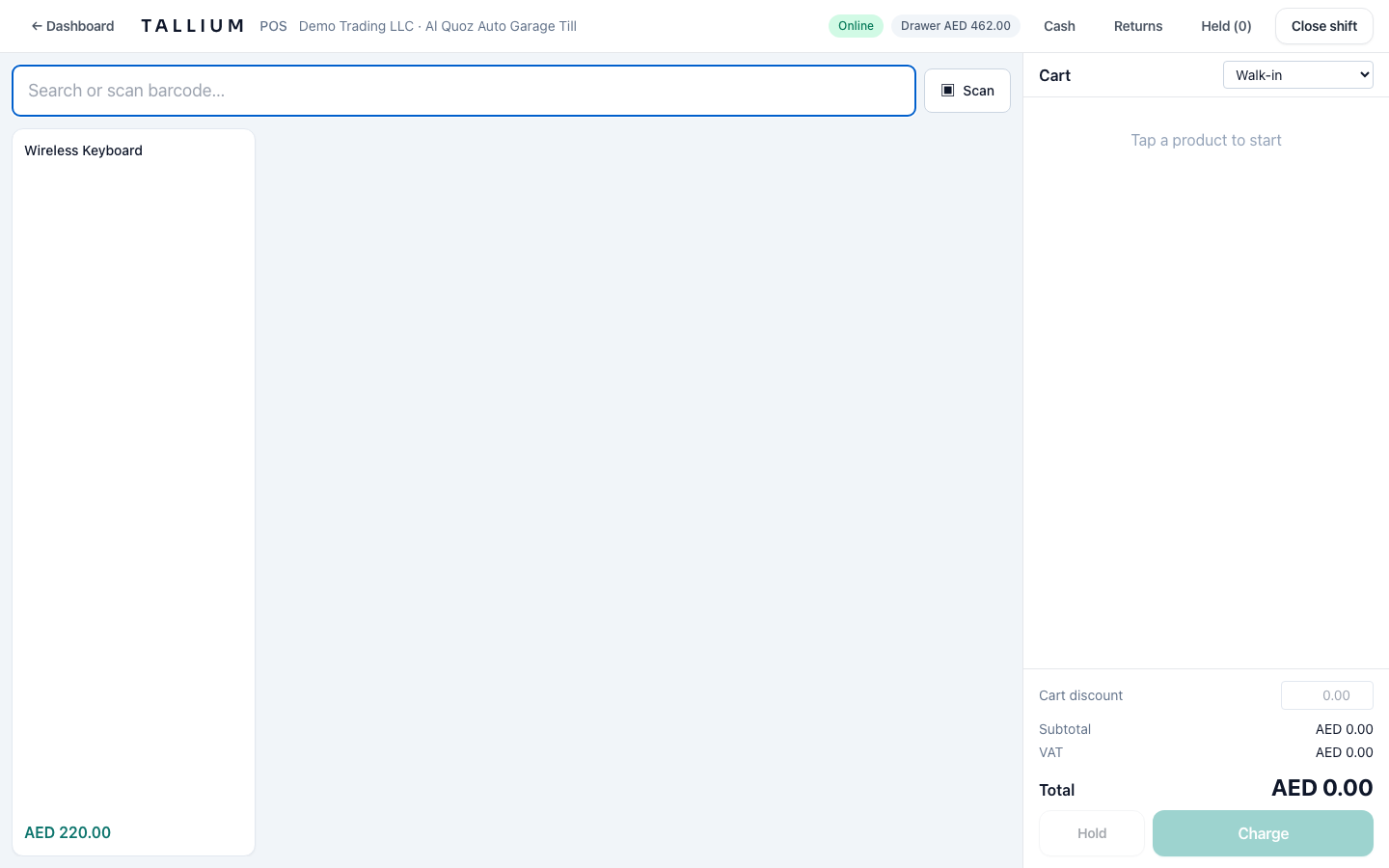 On your phone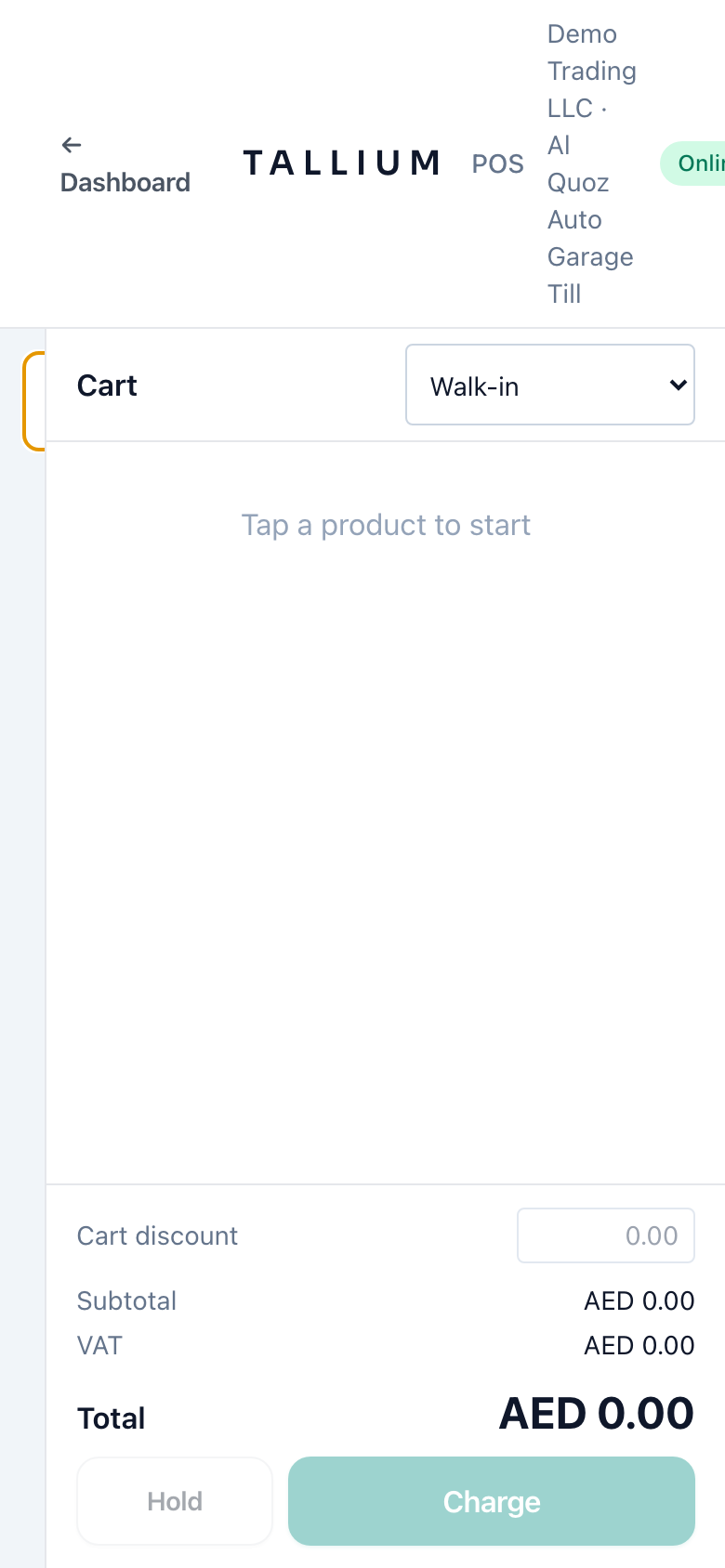
The POS till.
Tip
No barcode? Use the search box at the top of the POS to find a product by name.
Related articles
All point of sale (pos) articlesStill stuck? Contact us