Create and send an invoice
Make a professional, VAT-correct invoice in under a minute.
An invoice is a bill you send a customer for goods or services. Tallium adds VAT correctly and records it in your books automatically.
What you'll do
Create an invoice to send to a customer.
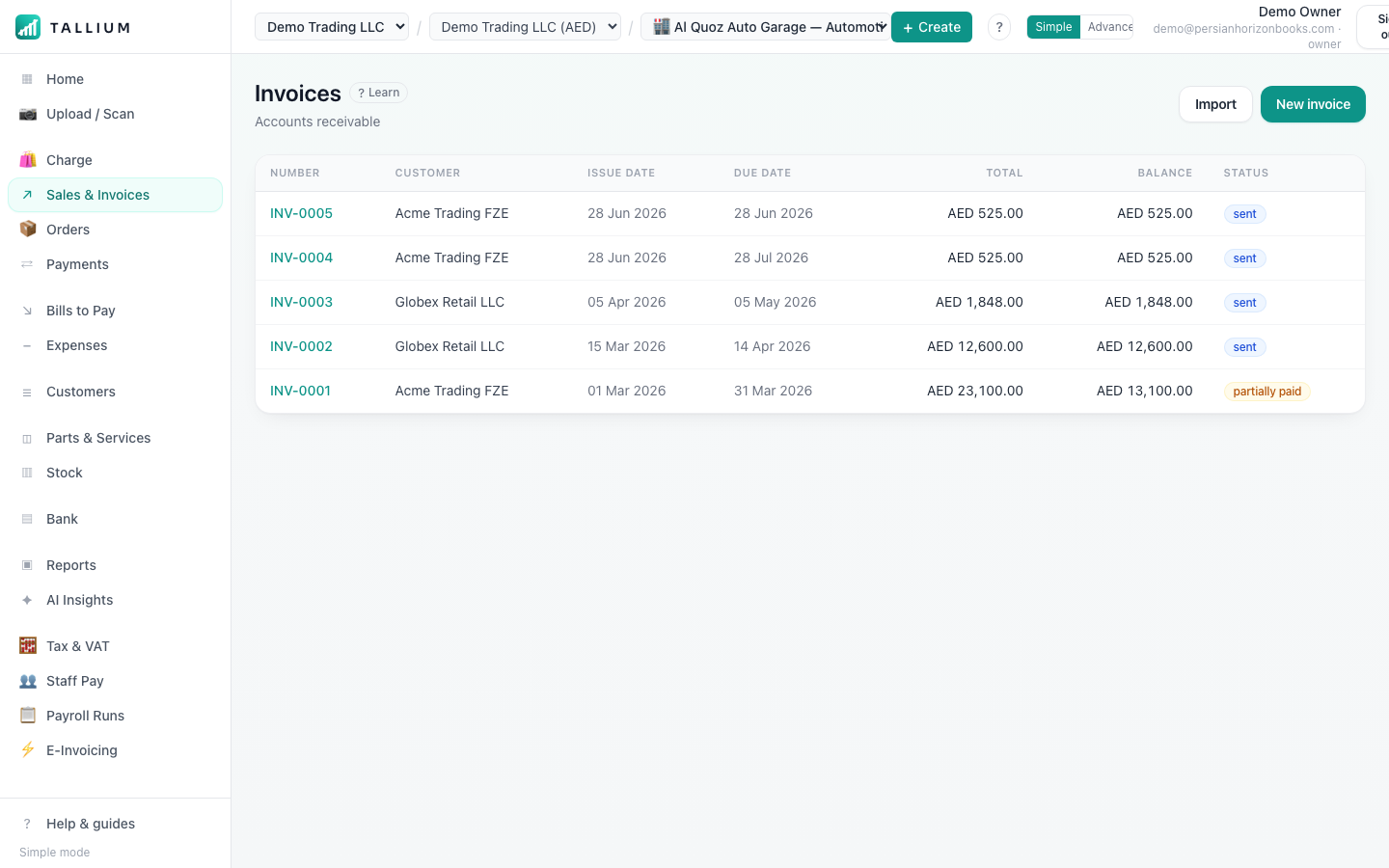
- 1From the menu, open Invoices to see all your invoices.On a computer
 On your phone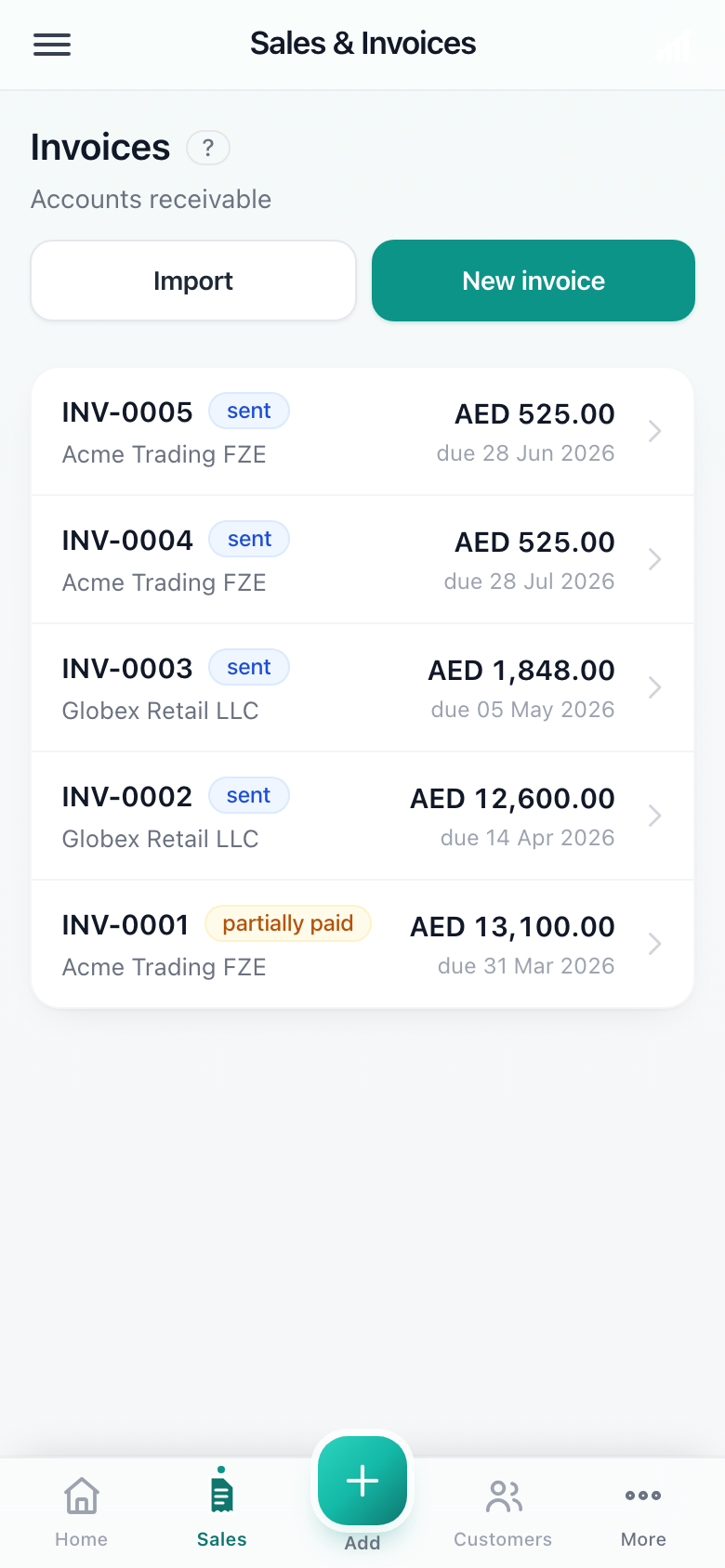
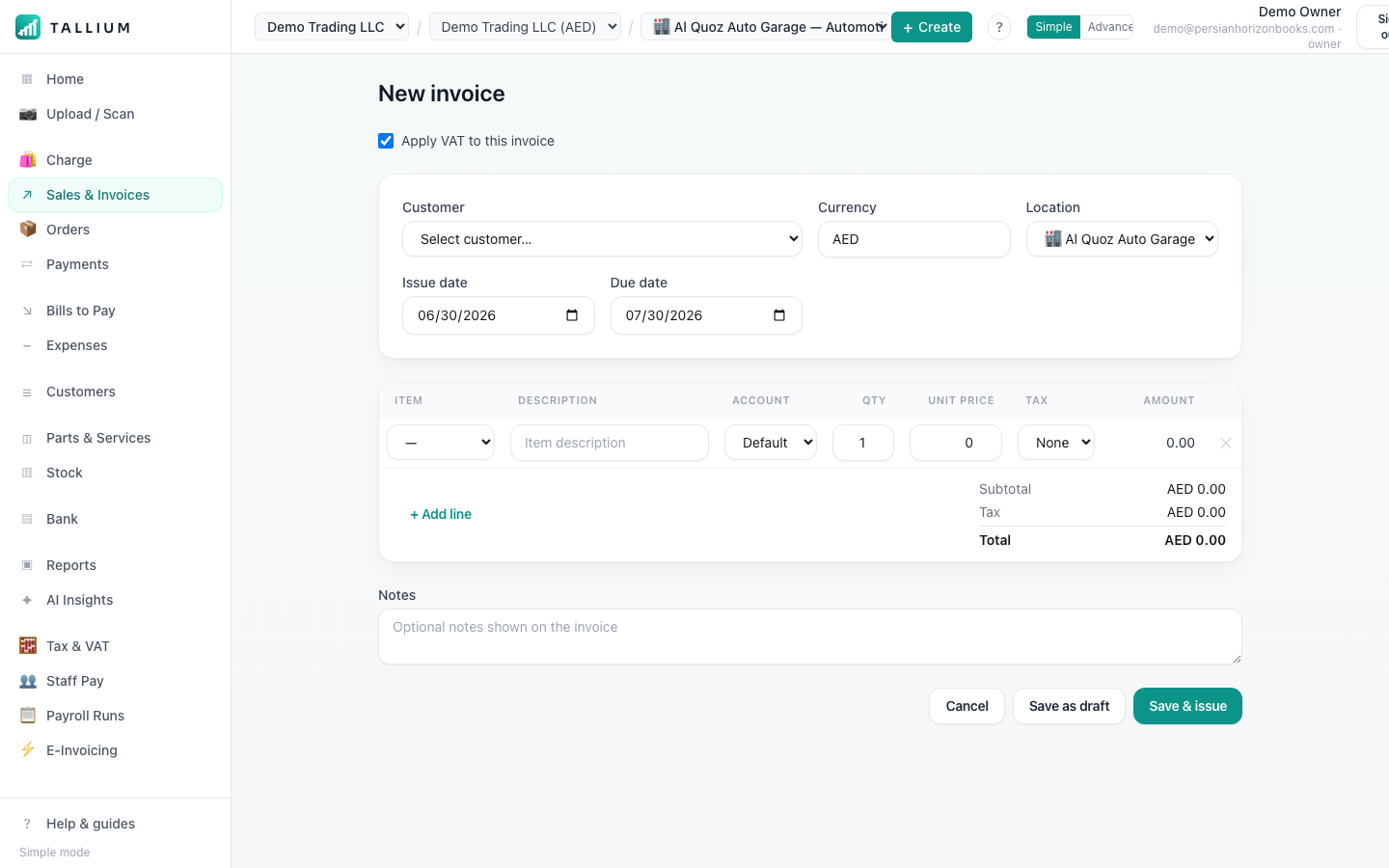
The Invoices screen. - 2Click New invoice to start a fresh one, then choose the customer and add your items.On a computer
 On your phone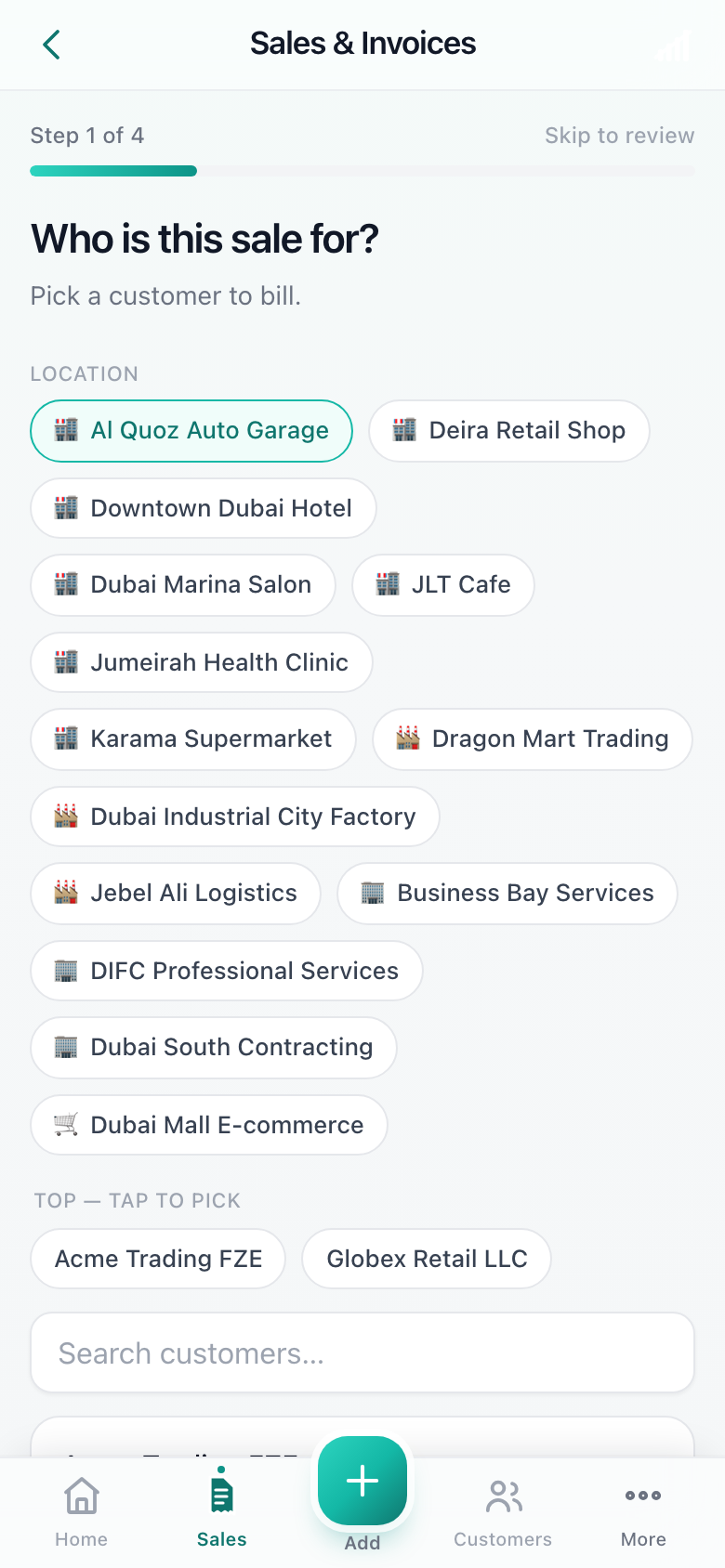
Creating a new invoice.
Tip
Add a payment link to any invoice so customers can pay online in a couple of taps.
Related articles
All invoicing articlesStill stuck? Contact us