Add a customer
Save a customer's details for faster invoicing.
Saving a customer means you can invoice them in seconds and see their full history and balance.
What you'll do
Save a customer so you can invoice them quickly.
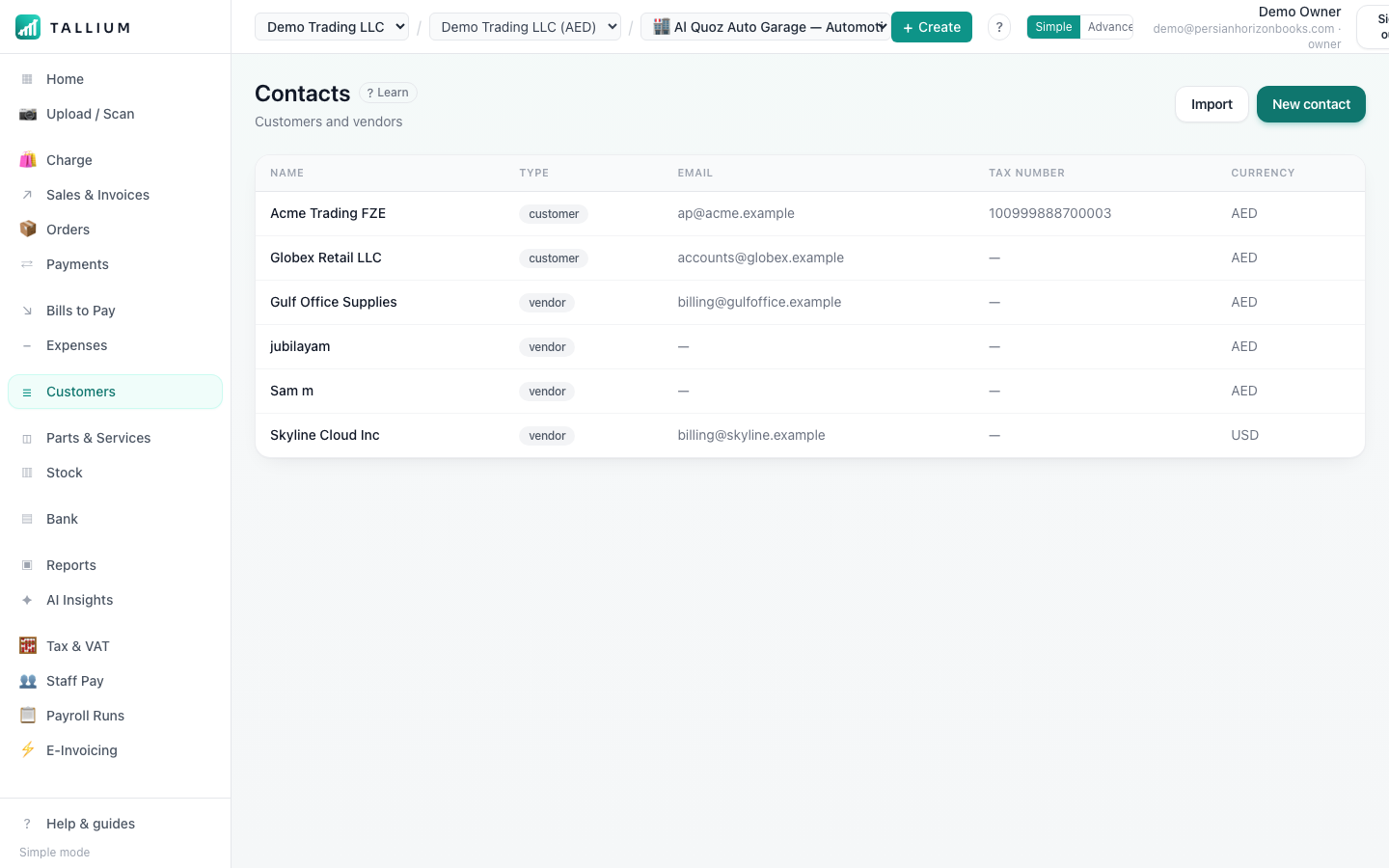
- 1Open Customers (Contacts) from the menu.On a computer
 On your phone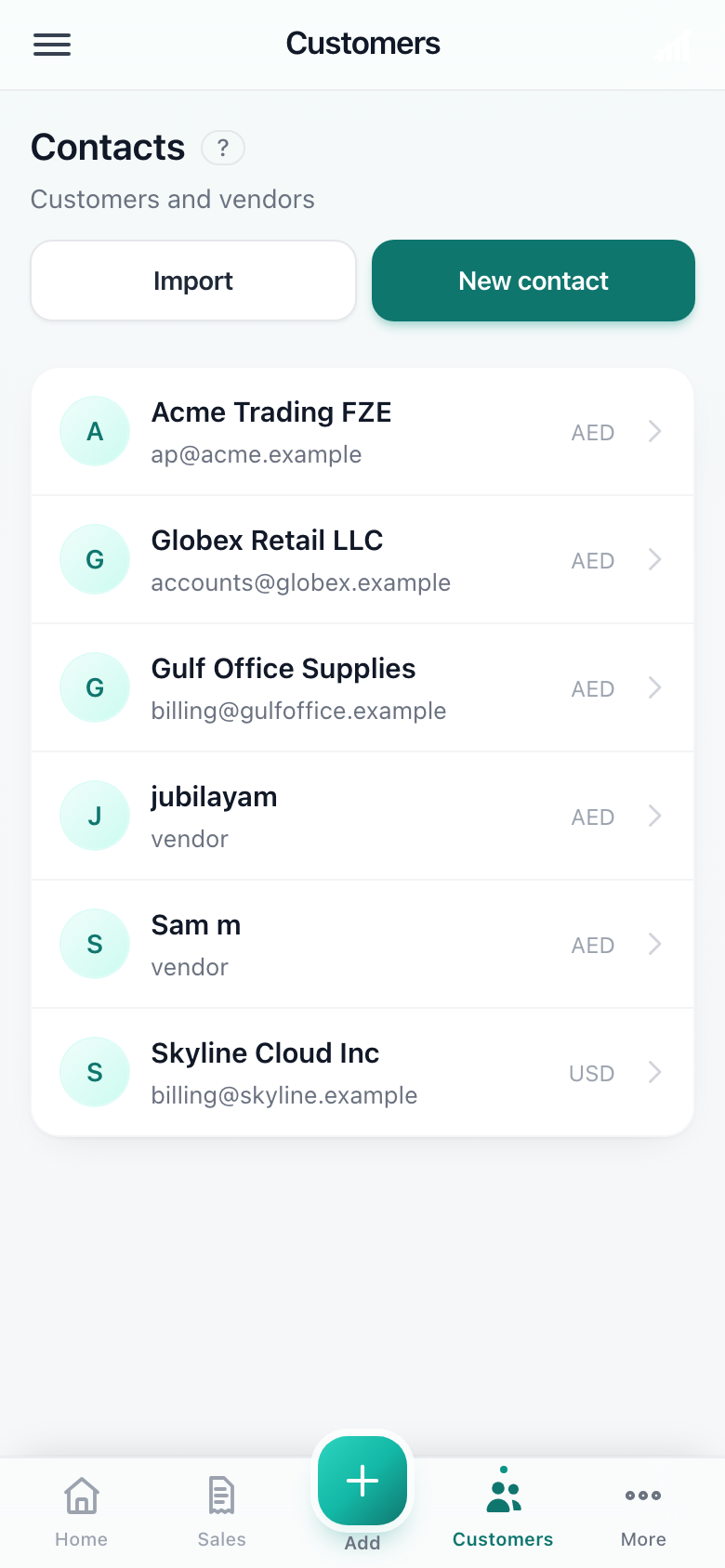
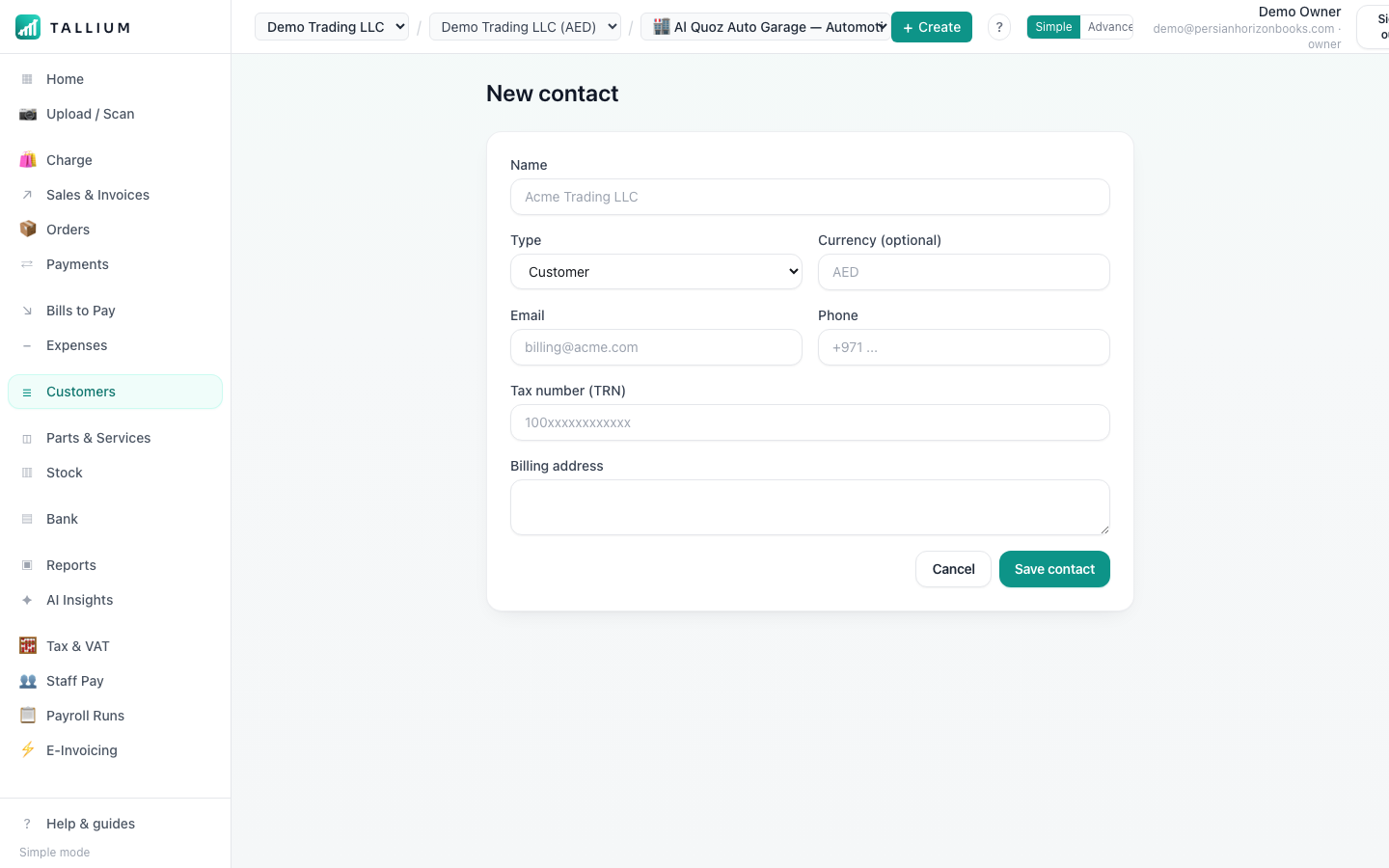
Your customers & contacts. - 2Click New to add their name, email and (if they have one) their TRN.On a computer
 On your phone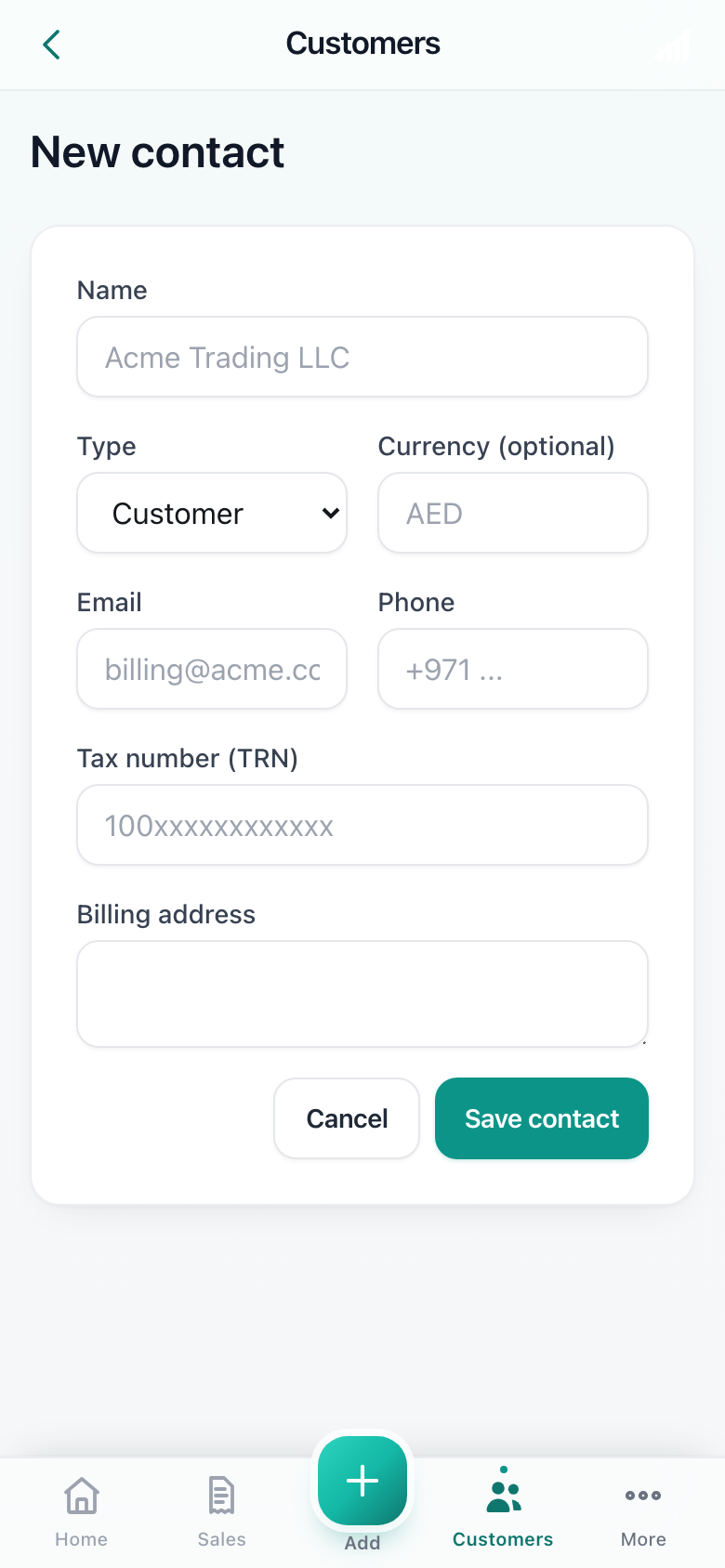
Adding a new customer.
Tip
Set a credit limit on a customer so Tallium warns you before they go over it.
Related articles
All customers & vendors articlesStill stuck? Contact us