Set up your business
The first-time setup: company details, industry and locations.
When you first sign in, a short setup wizard tailors Tallium to your business. It takes a couple of minutes.
What you'll do
Sign in and reach your dashboard.
- 1Open the app and sign in with your email and password.On a computer
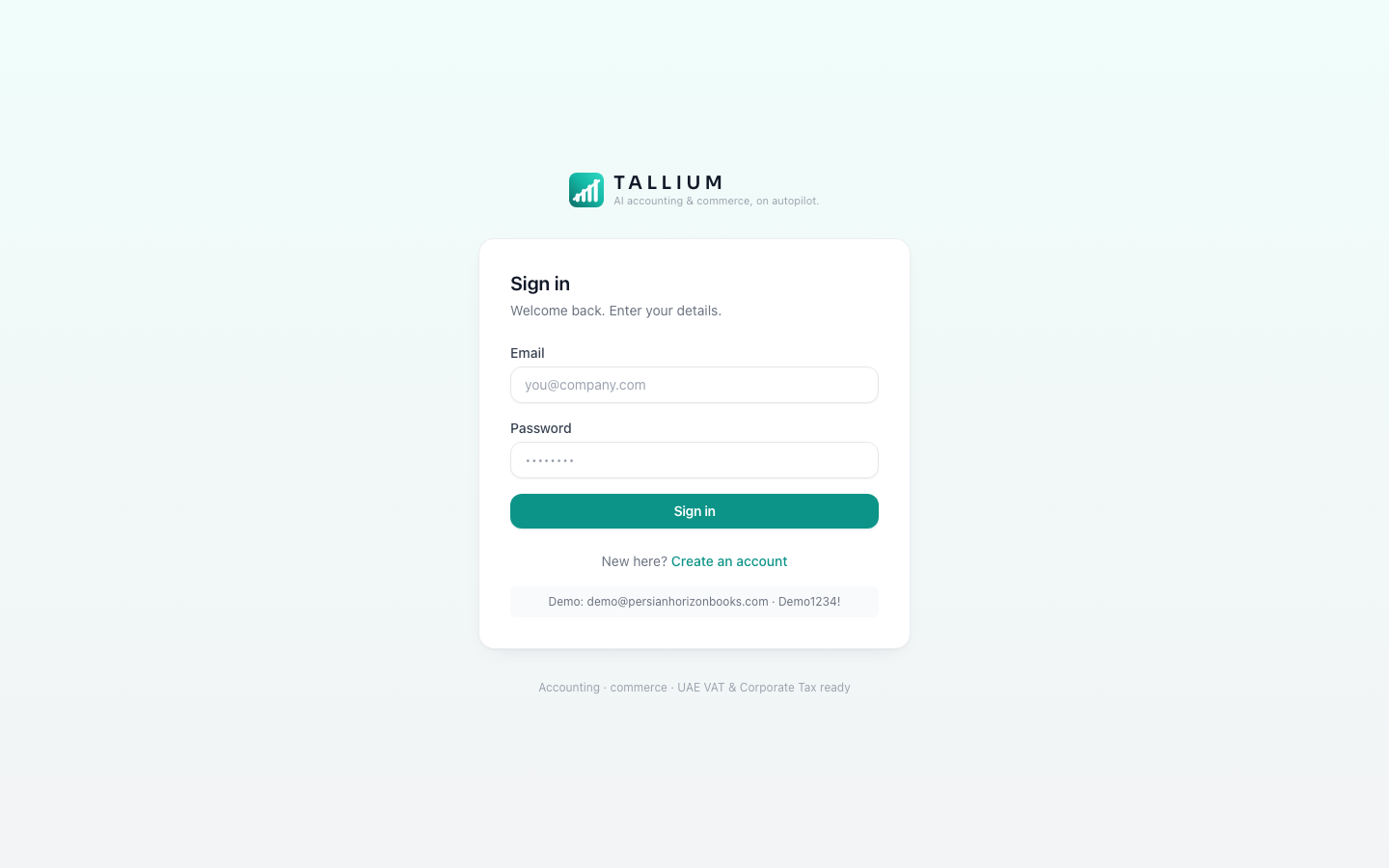 On your phone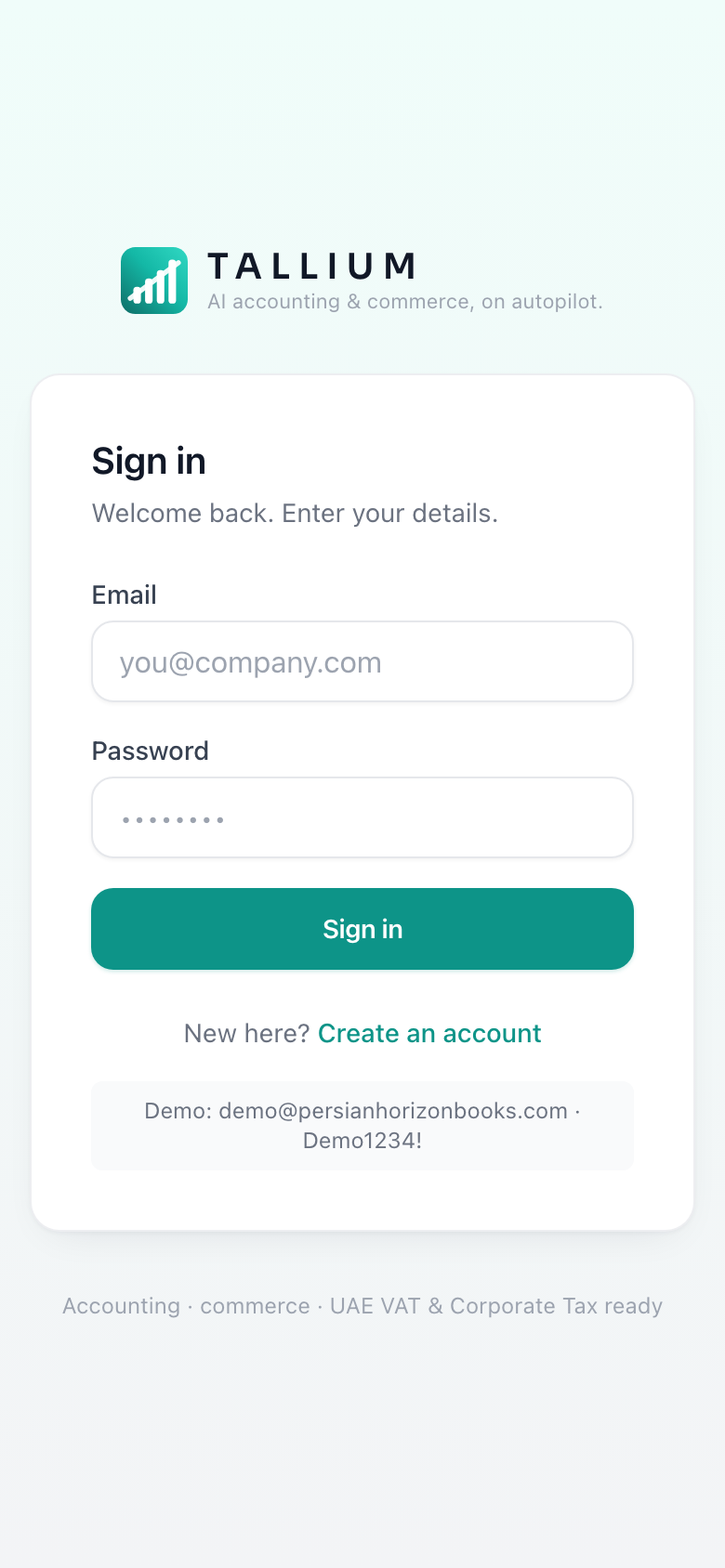
The sign-in screen. - 2You're taken straight to your dashboard, ready to use.On a computer
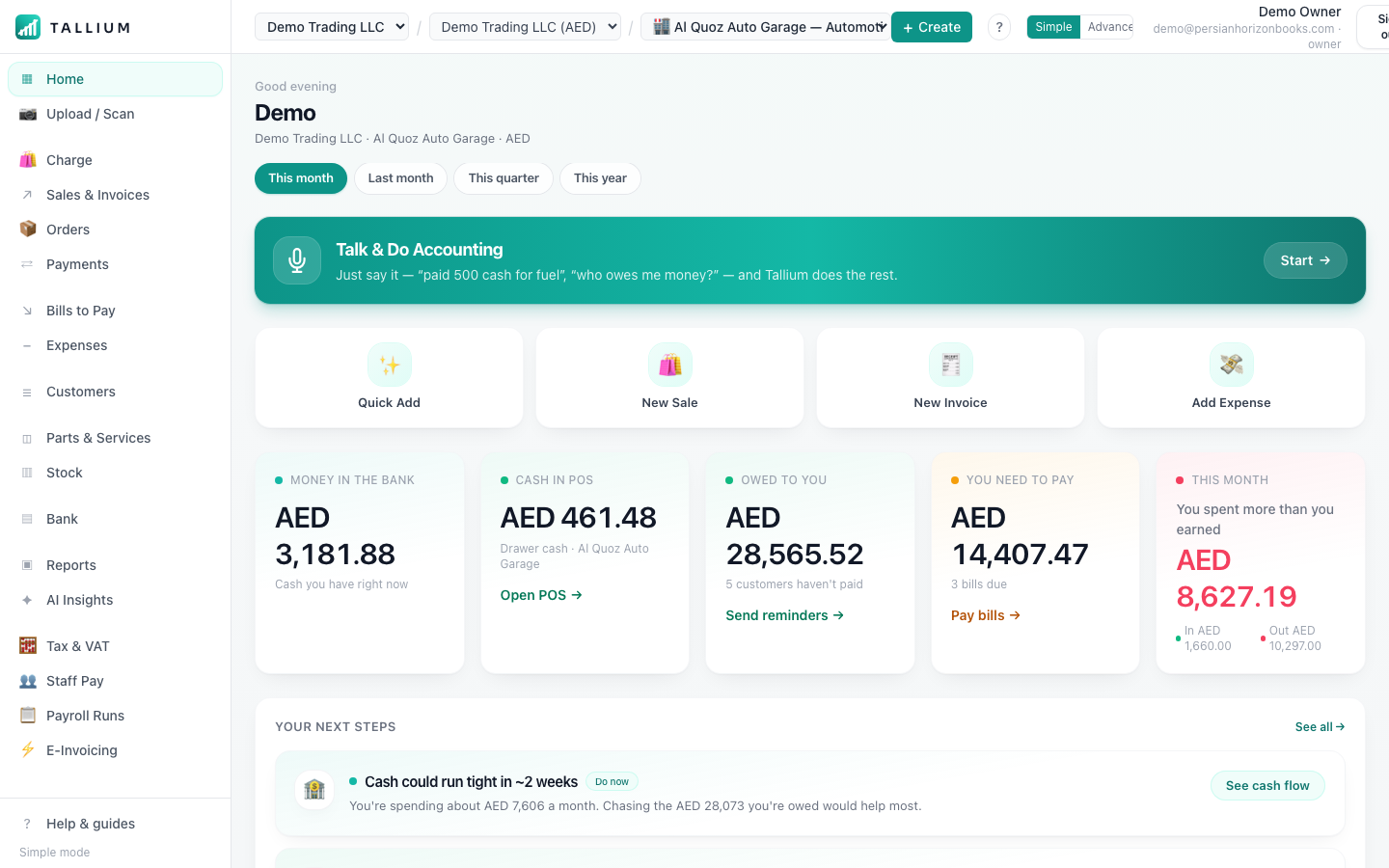 On your phone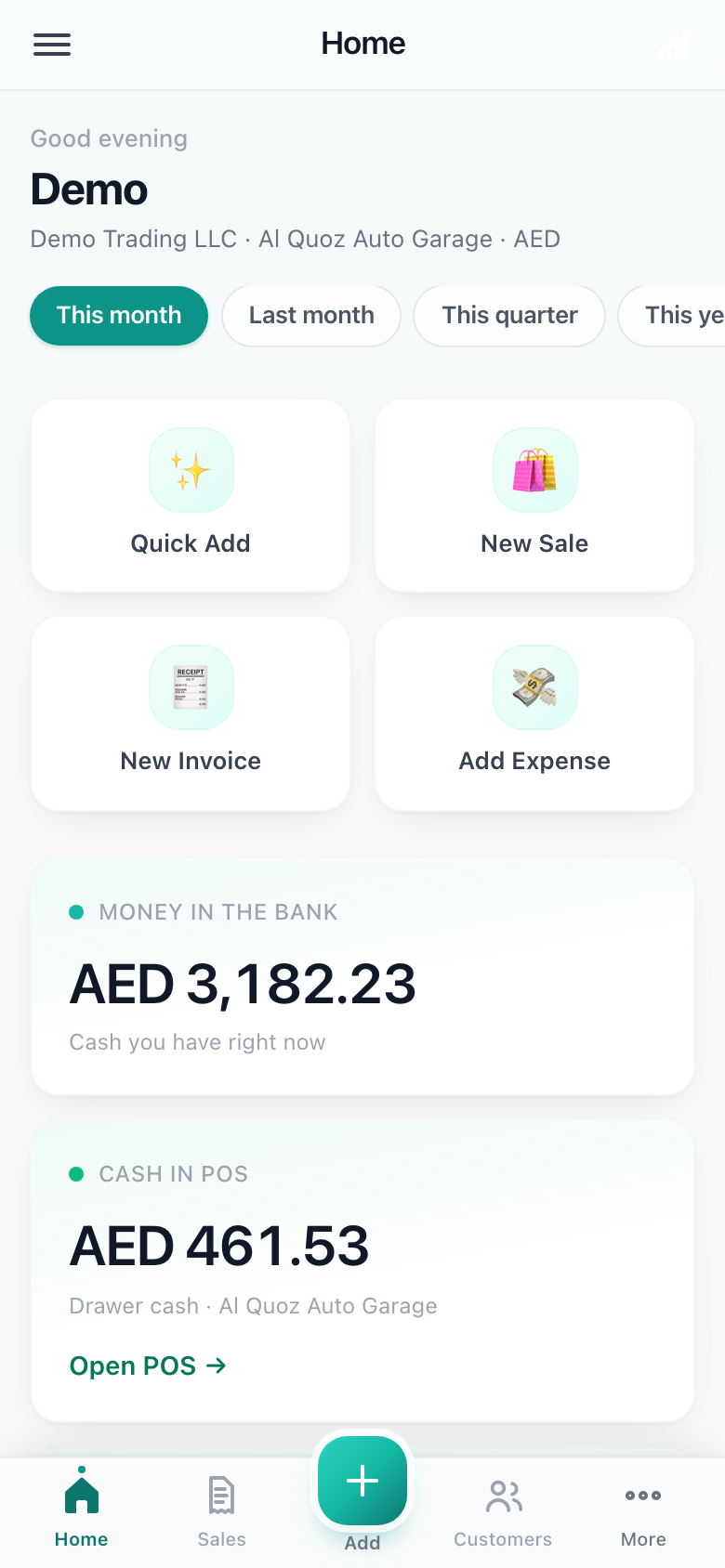
Your dashboard after signing in.
Tip
Don't worry about getting everything perfect — you can edit business details any time in Settings.
Related articles
All getting started articlesStill stuck? Contact us