Invite your team
Add staff and give each person the right access.
Everyone on your team gets their own login. You decide what each person can see and do.
What you'll do
Find where to add your team.
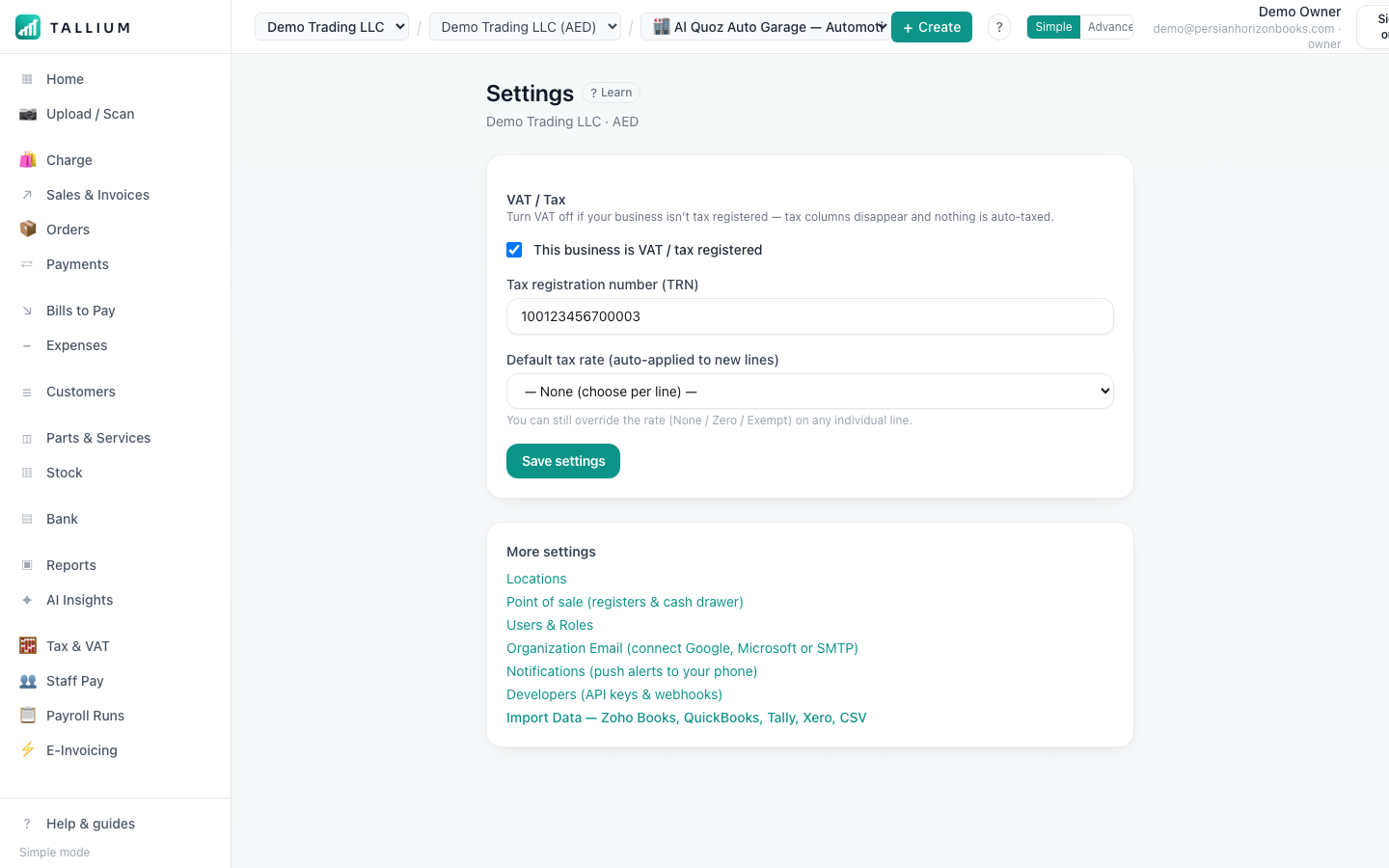
- 1Open Settings → Users to invite people and choose what each can see.On a computer
 On your phone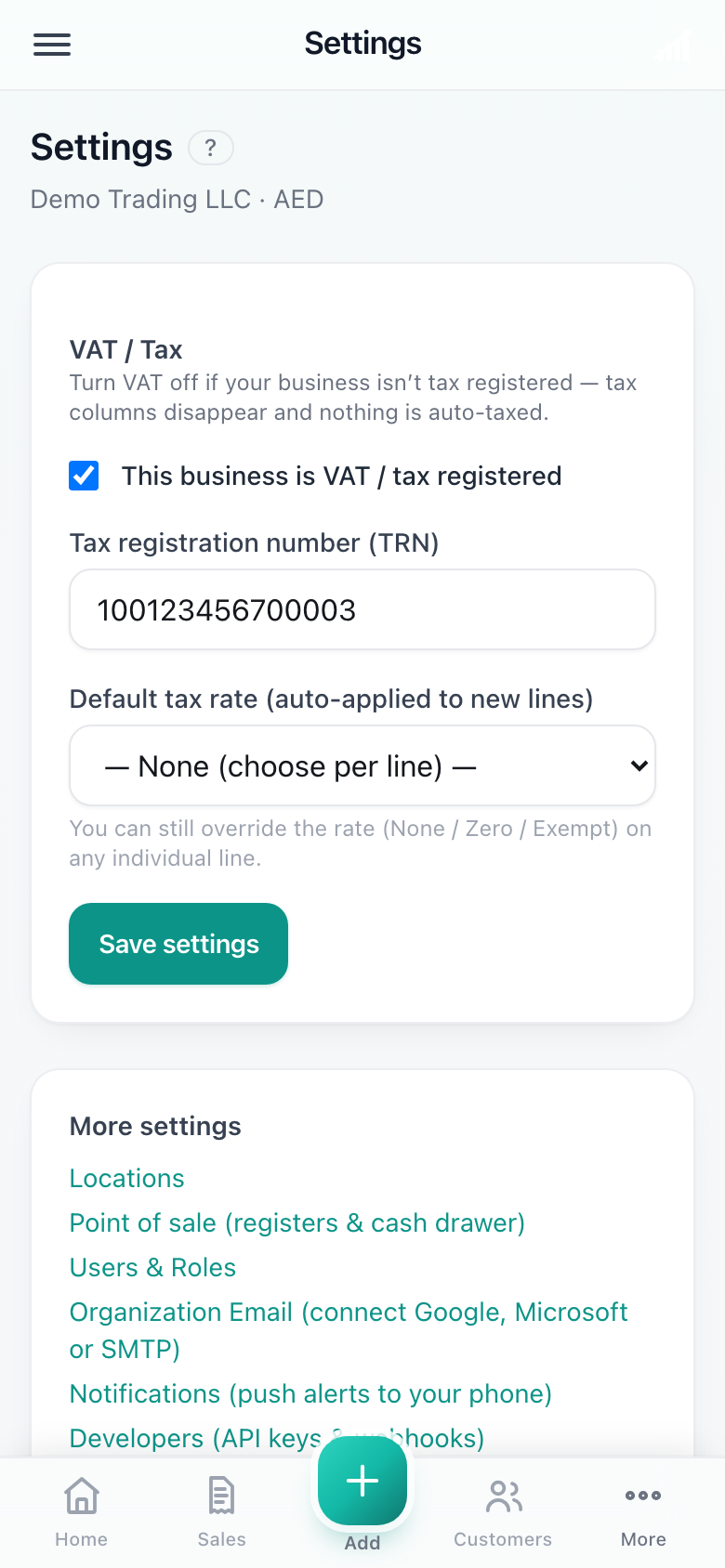
Settings, where you invite users.
Tip
Give cashiers access to only their branch and the POS, and keep financial reports for managers.
Related articles
All getting started articlesStill stuck? Contact us