Add or remove users
Control who has access to your Tallium account.
You can add team members or remove people who've left, and change what each person can do.
What you'll do
Add or remove users.
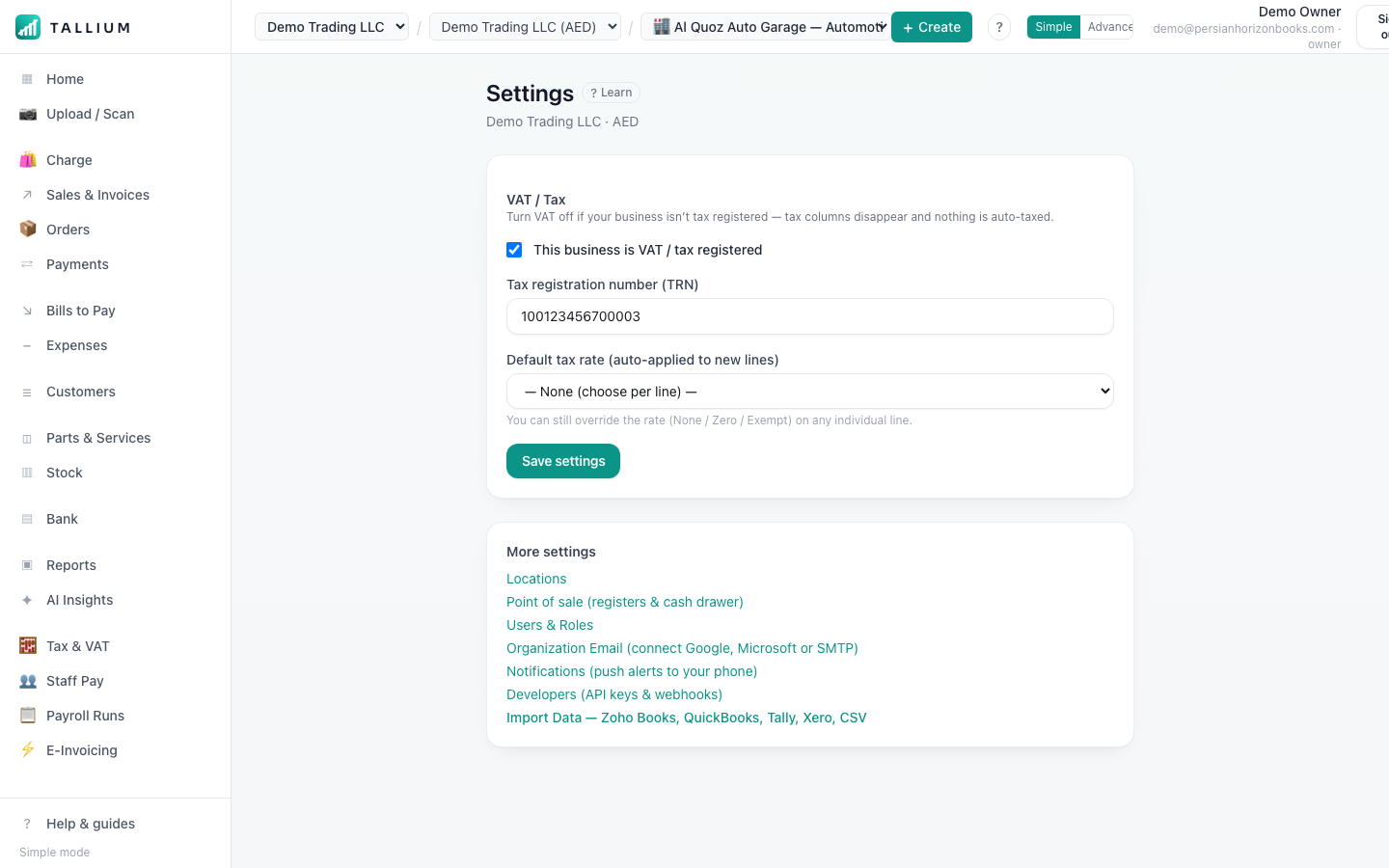
- 1Open Settings → Users to add team members or remove people who've left.On a computer
 On your phone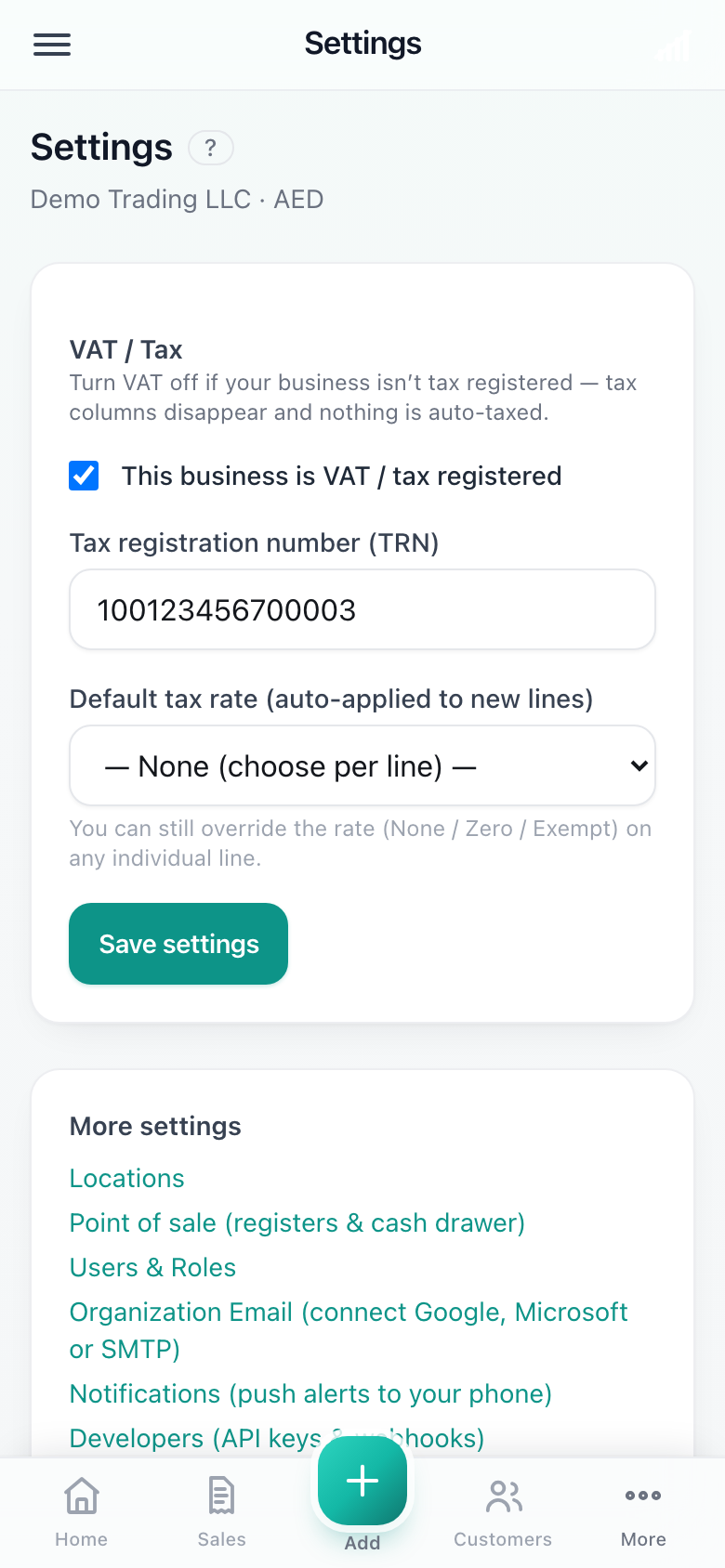
Settings.
Tip
Deactivating keeps the person's history (who did what) intact, while removing their access immediately.
Related articles
All account & billing articlesStill stuck? Contact us