Use the POS when the internet is down
Keep selling offline; sales sync automatically later.
The POS keeps working if your internet drops. Sales are saved on the device and sent to Tallium the moment you're back online.
What you'll do
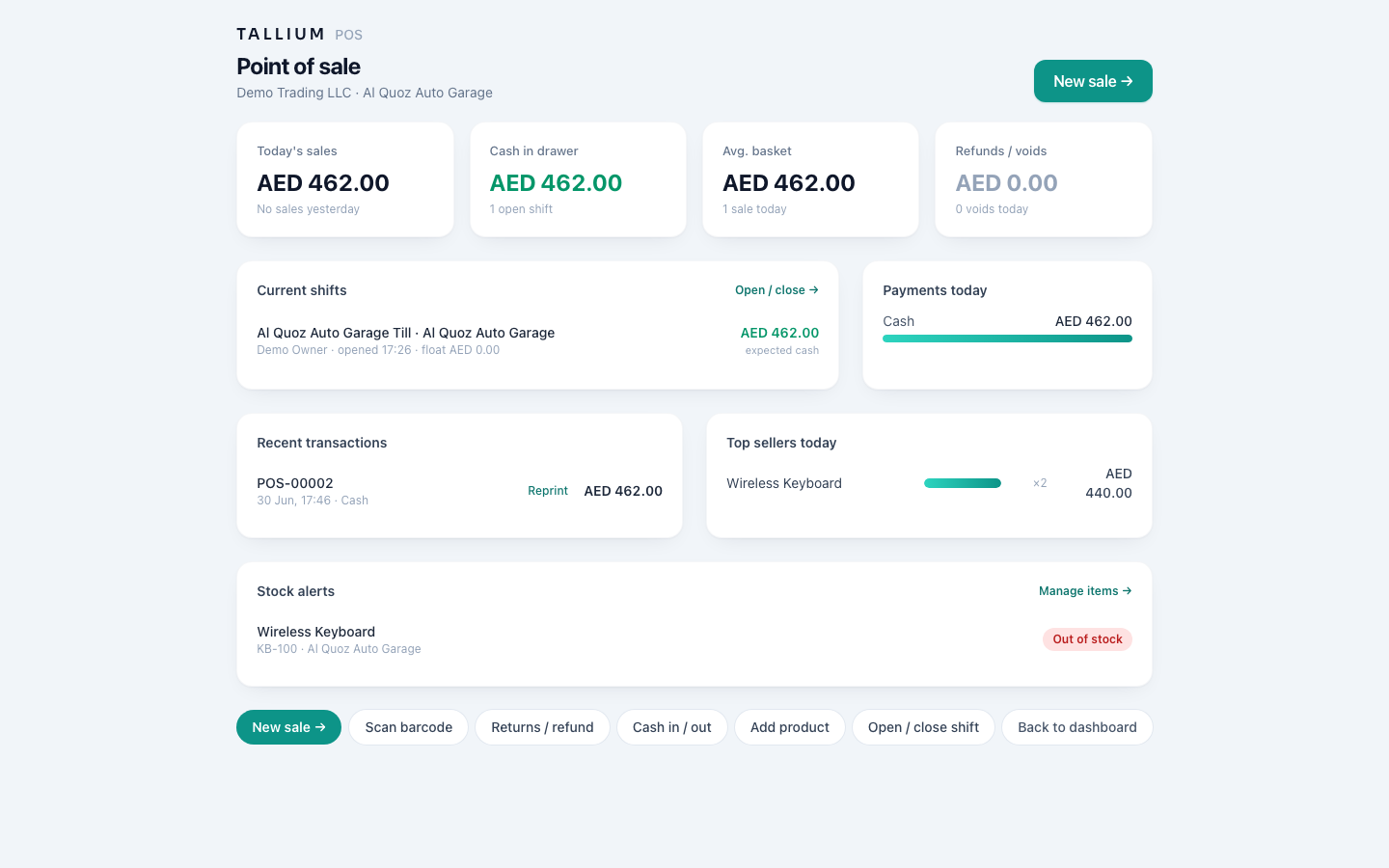
See the POS that keeps working offline.
- 1Open the POS. It keeps selling even with no internet, and syncs automatically when you're back online.On a computer
 On your phone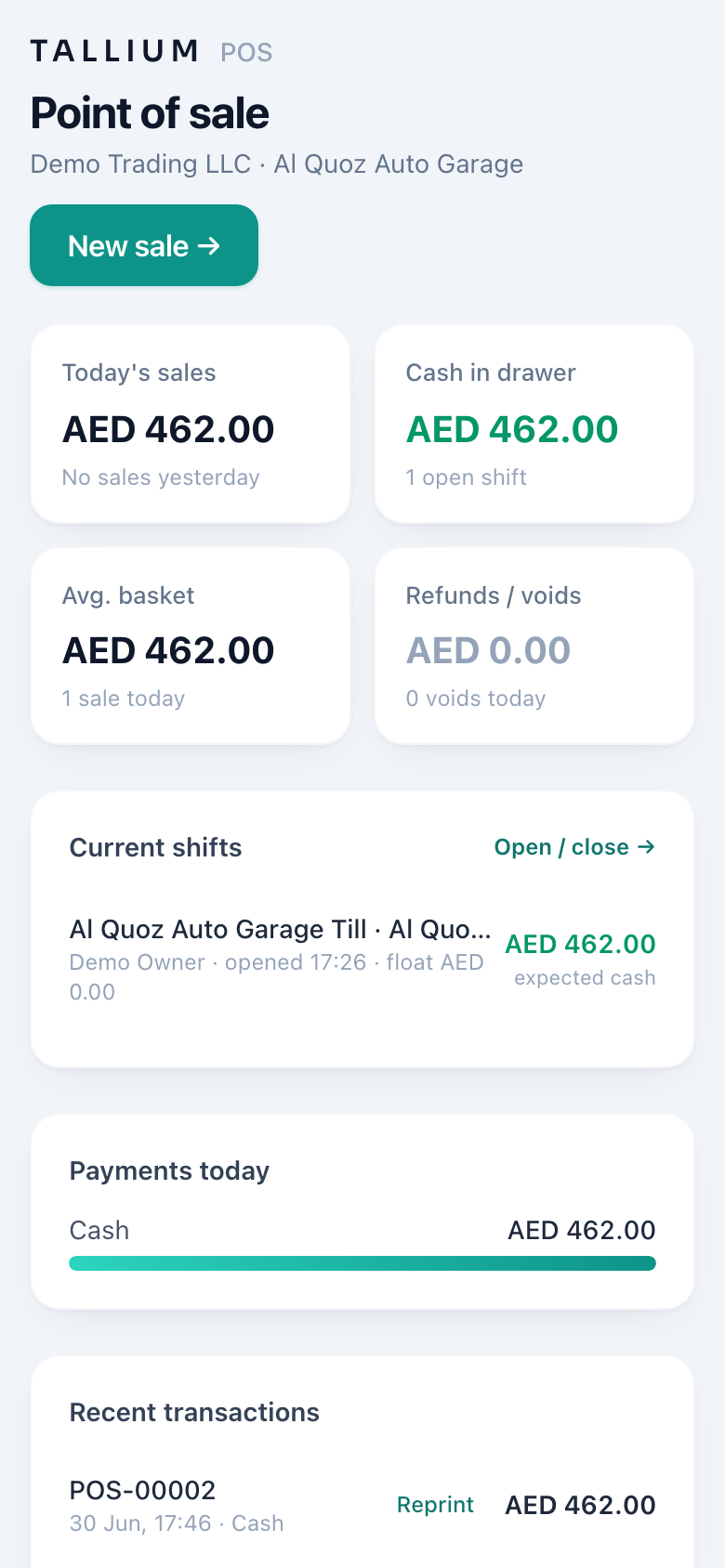
The POS till.
- Carry on selling as normal — receipts still print.
- A small indicator shows you're offline and how many sales are waiting to sync.
- When the connection returns, everything uploads on its own.
Tip
Avoid editing the same product's price on two offline tills at once — let them sync first to prevent conflicts.
Related articles
All point of sale (pos) articlesStill stuck? Contact us