Do a stock count or adjust stock
Correct your on-hand numbers to match the shelf.
A stock count checks what's physically on the shelf against what Tallium says. Adjustments fix any difference, with a reason recorded.
What you'll do
Check and adjust your stock.
- 1Open Products to do a stock count and fix any differences.On a computer
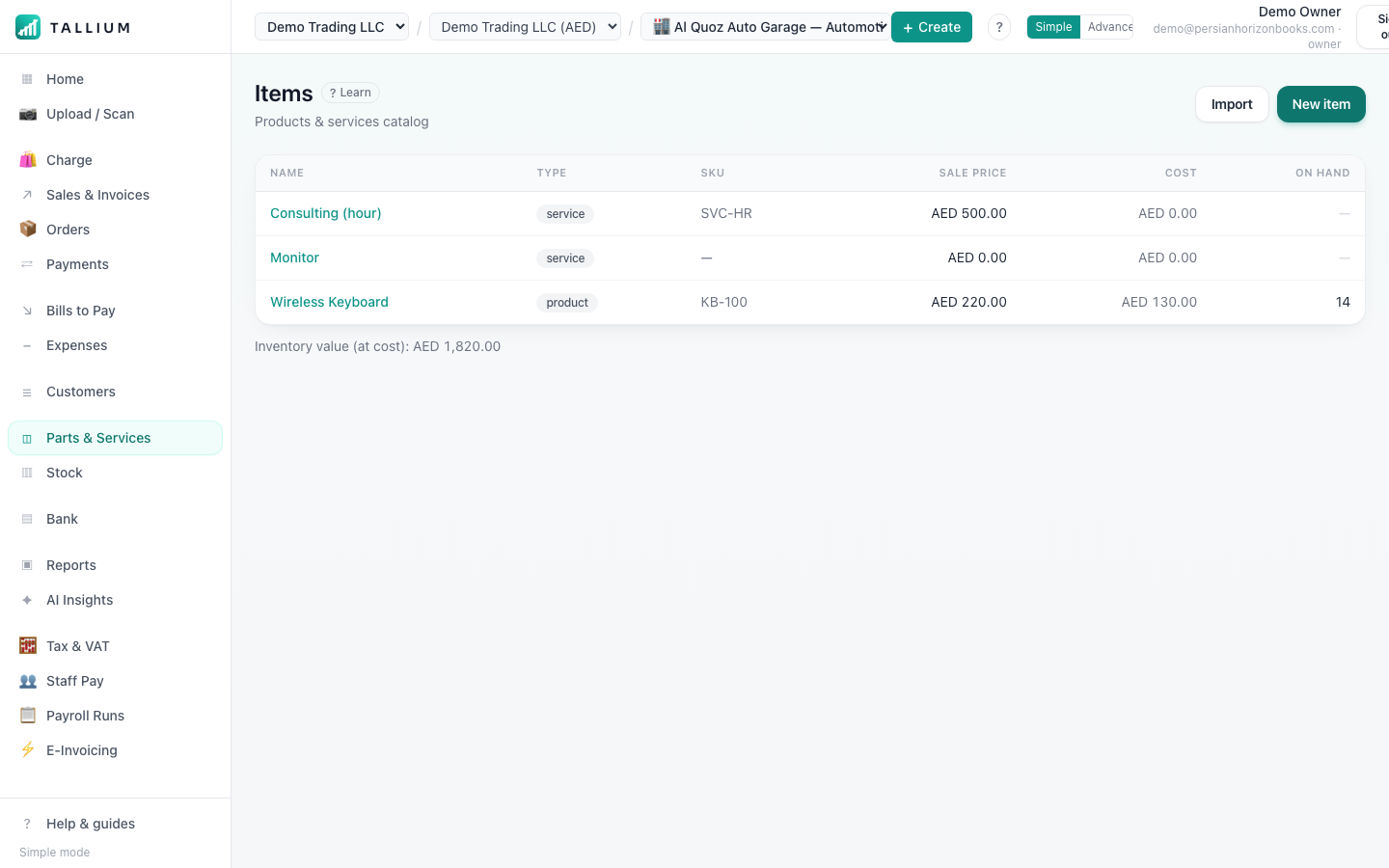 On your phone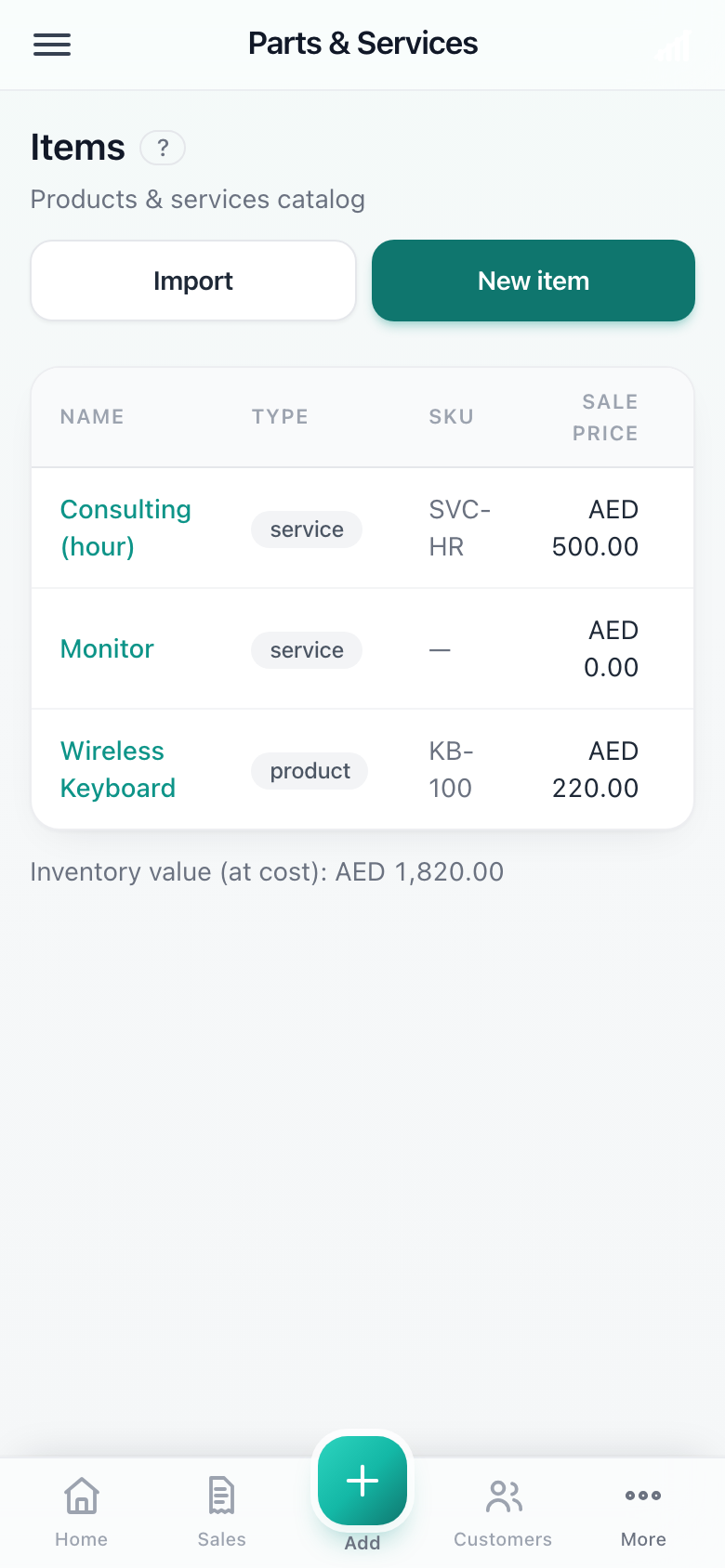
Products & stock.
Tip
Counting a small section regularly (a 'cycle count') keeps numbers accurate without closing the shop.
Related articles
All inventory articlesStill stuck? Contact us