Record an expense (scan a receipt)
Snap a receipt and Tallium enters it for you.
An expense is money you spend running the business. The fastest way to record one is to photograph the receipt — Tallium reads it and fills in the details.
What you'll do
Record money you spent, by scanning the receipt.
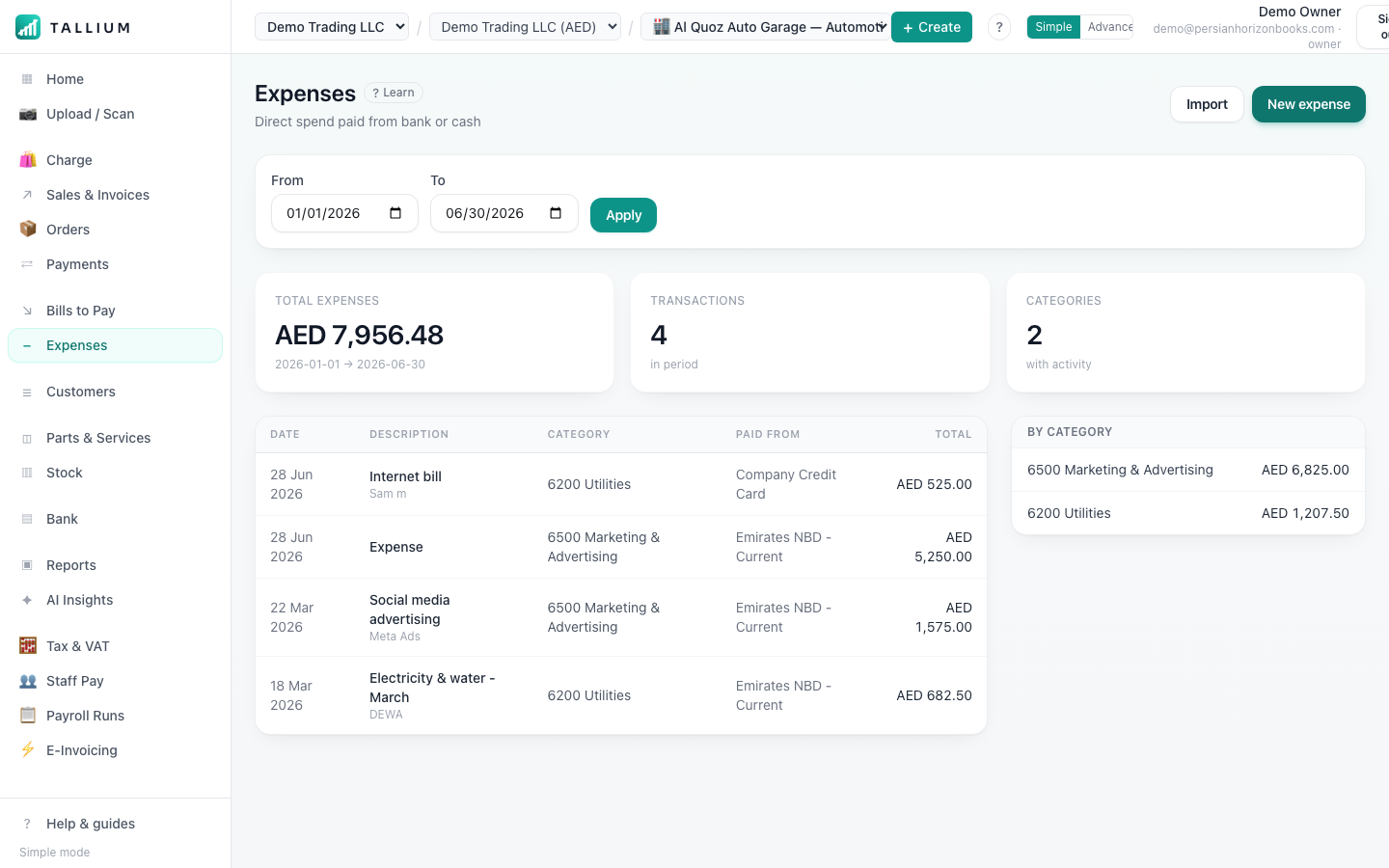
- 1Open Expenses from the menu to see what you've spent.On a computer
 On your phone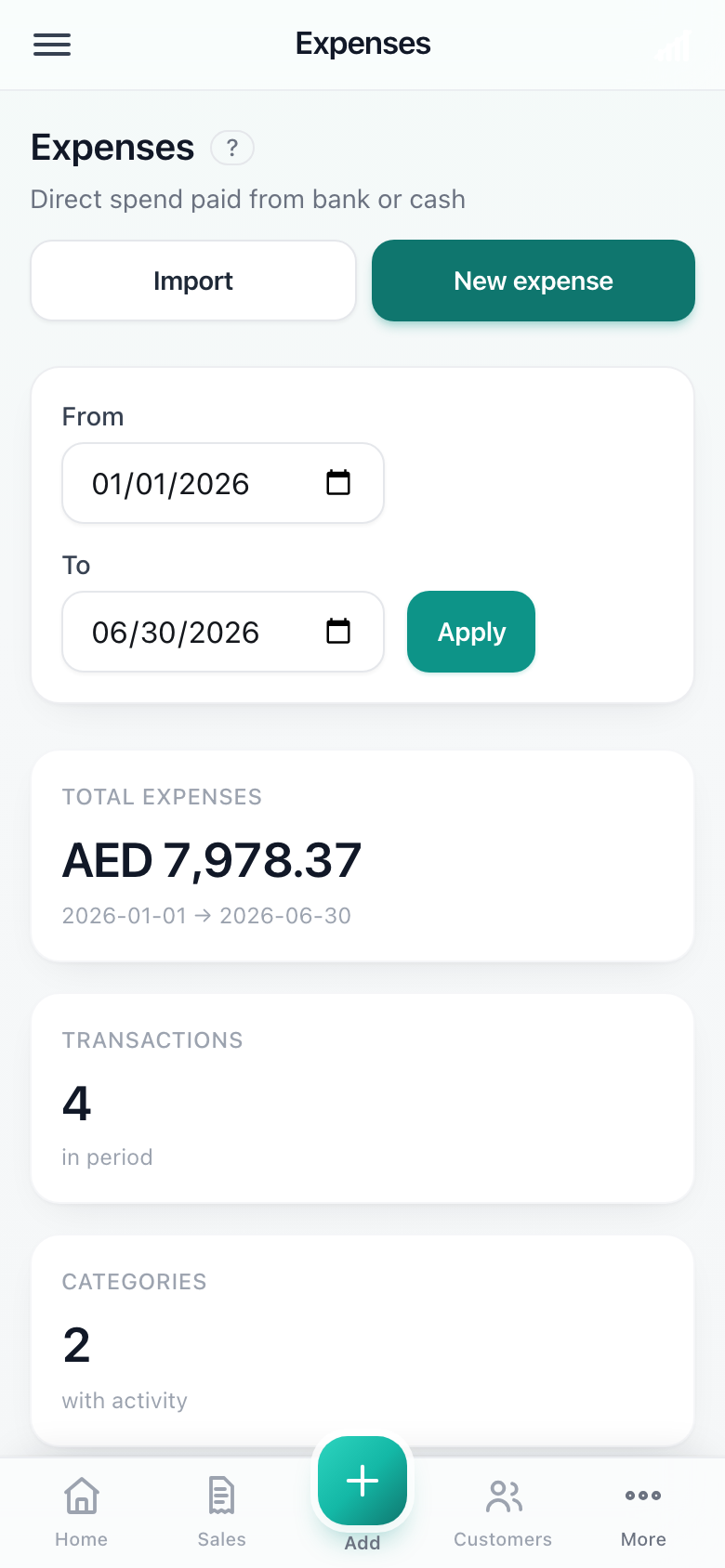
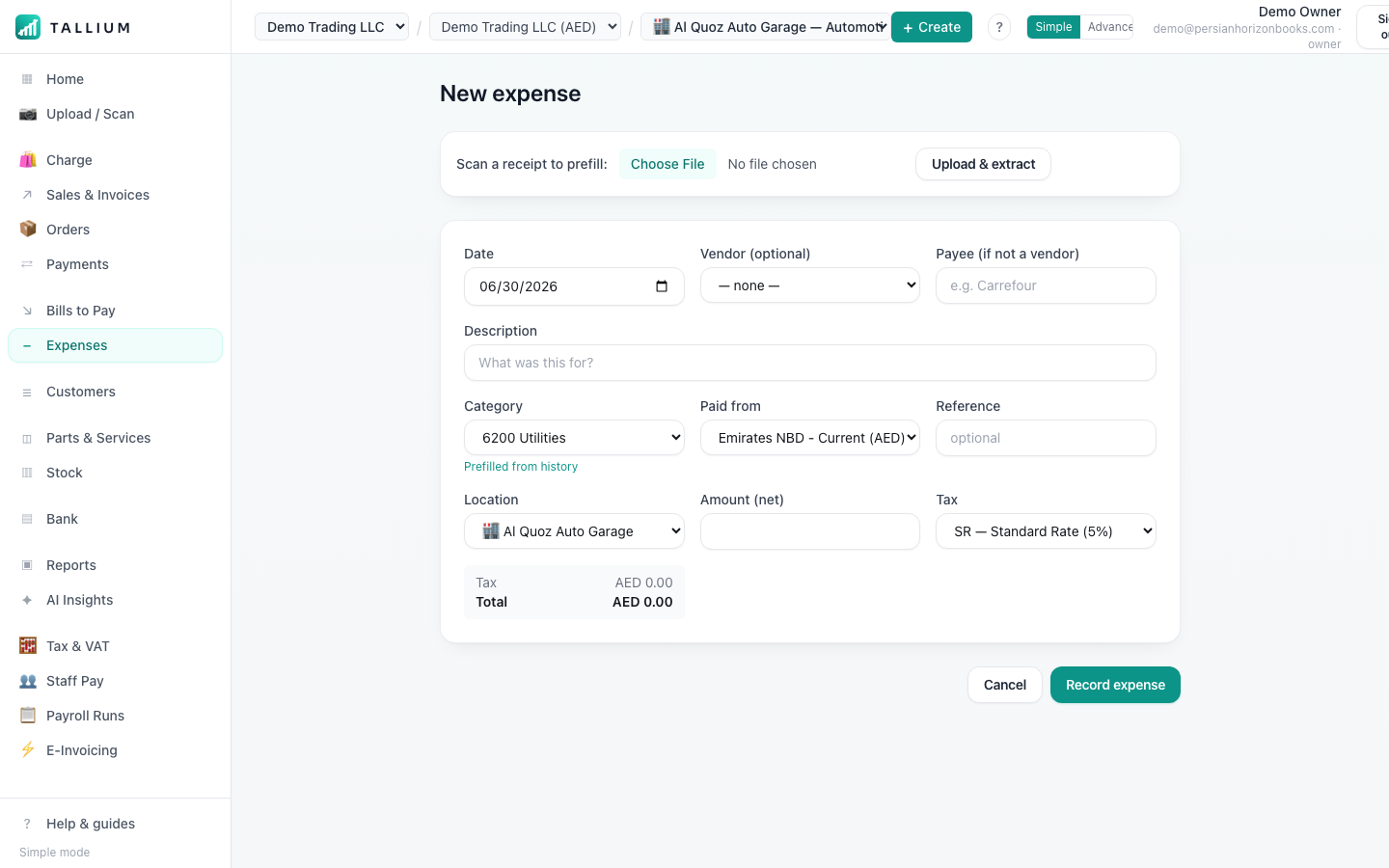
The Expenses screen. - 2Start a new expense — scan or upload the receipt and Tallium fills in the details for you.On a computer
 On your phone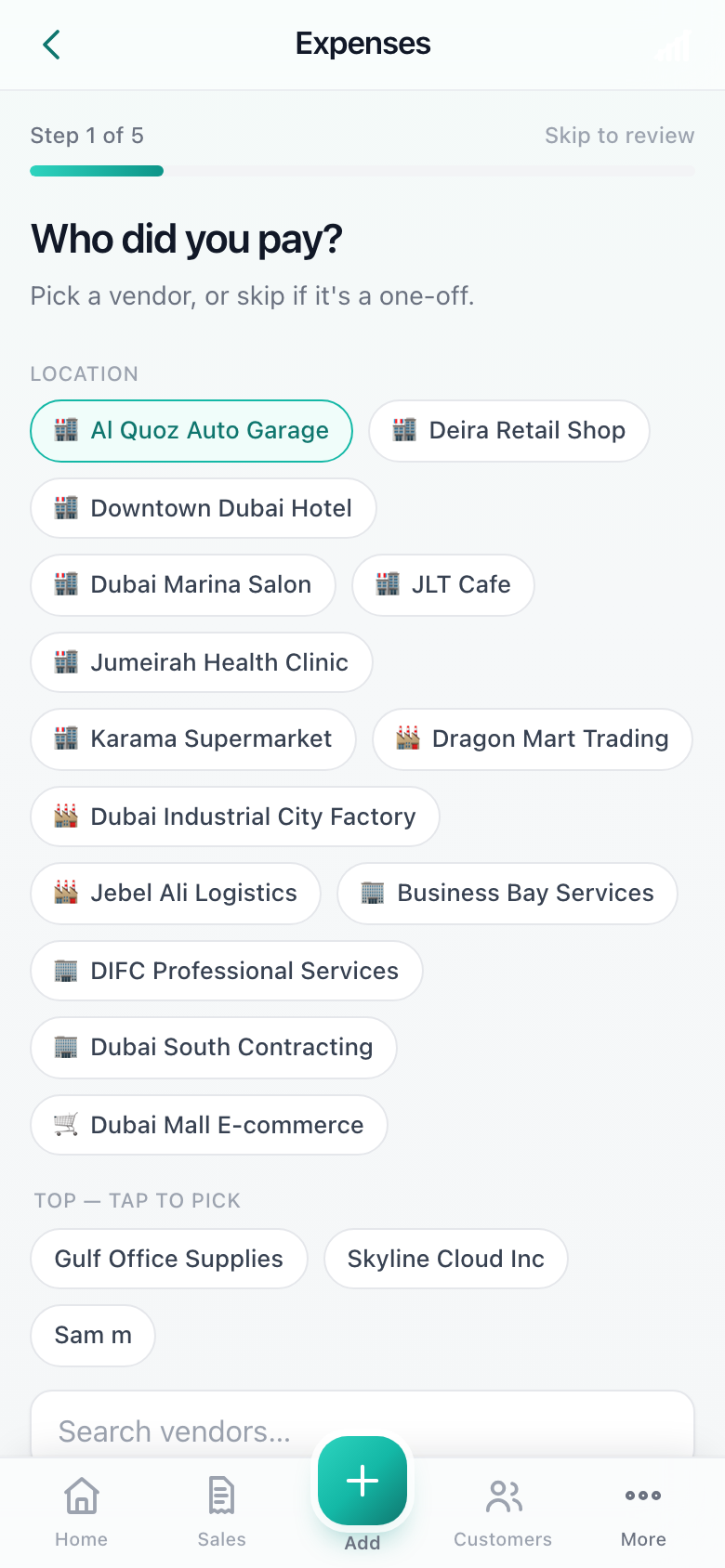
Adding a new expense.
Tip
Recoverable VAT on expenses is tracked automatically, so you claim back what you're entitled to.
Related articles
All expenses & bills articlesStill stuck? Contact us