Customise your email templates
Brand the emails that go with your invoices and quotes.
When you email an invoice, quote or statement, it goes with a short message. You can edit that wording and add your logo.
What you'll do
Brand your emails.
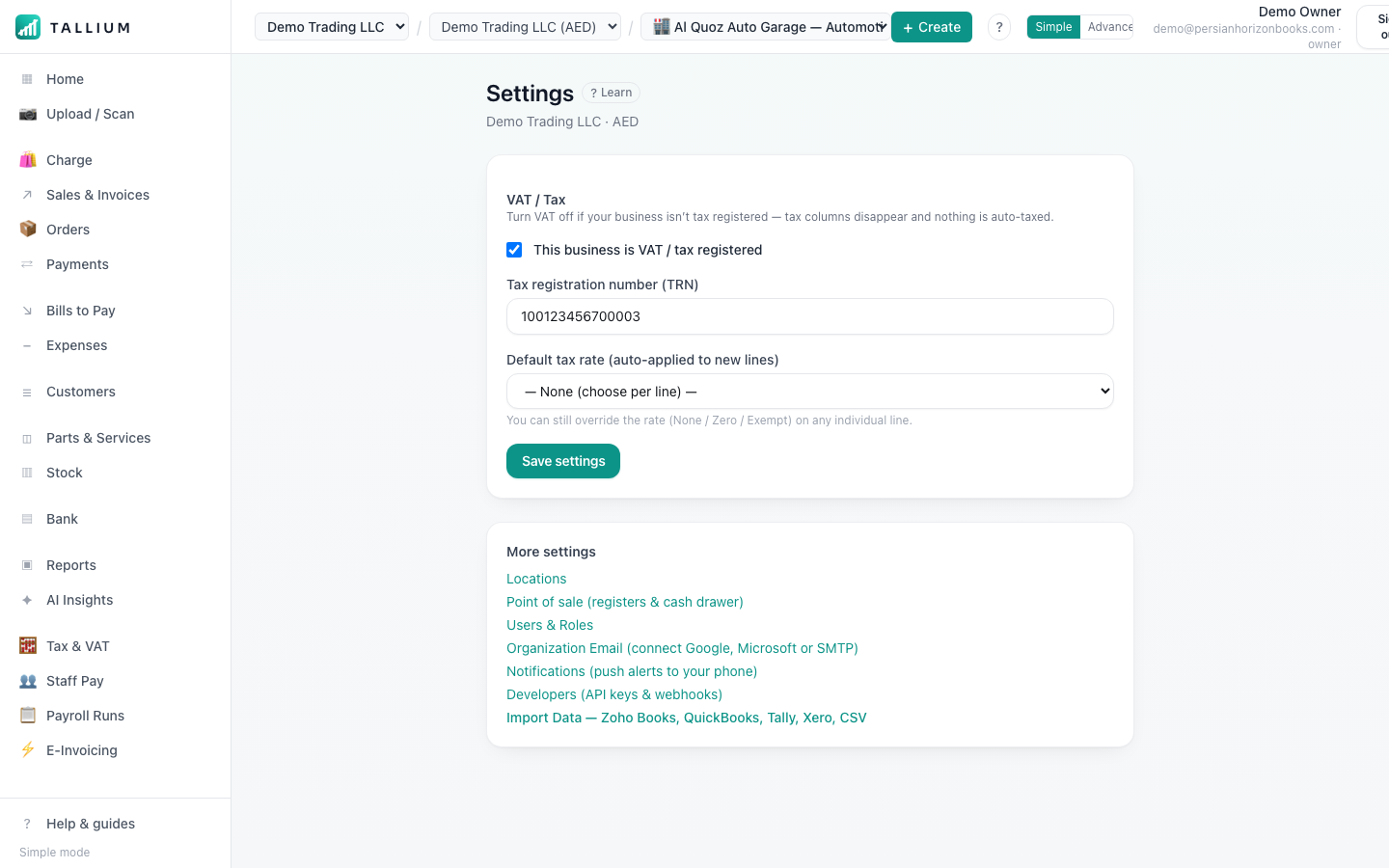
- 1Open Settings to edit the emails sent with your invoices and quotes.On a computer
 On your phone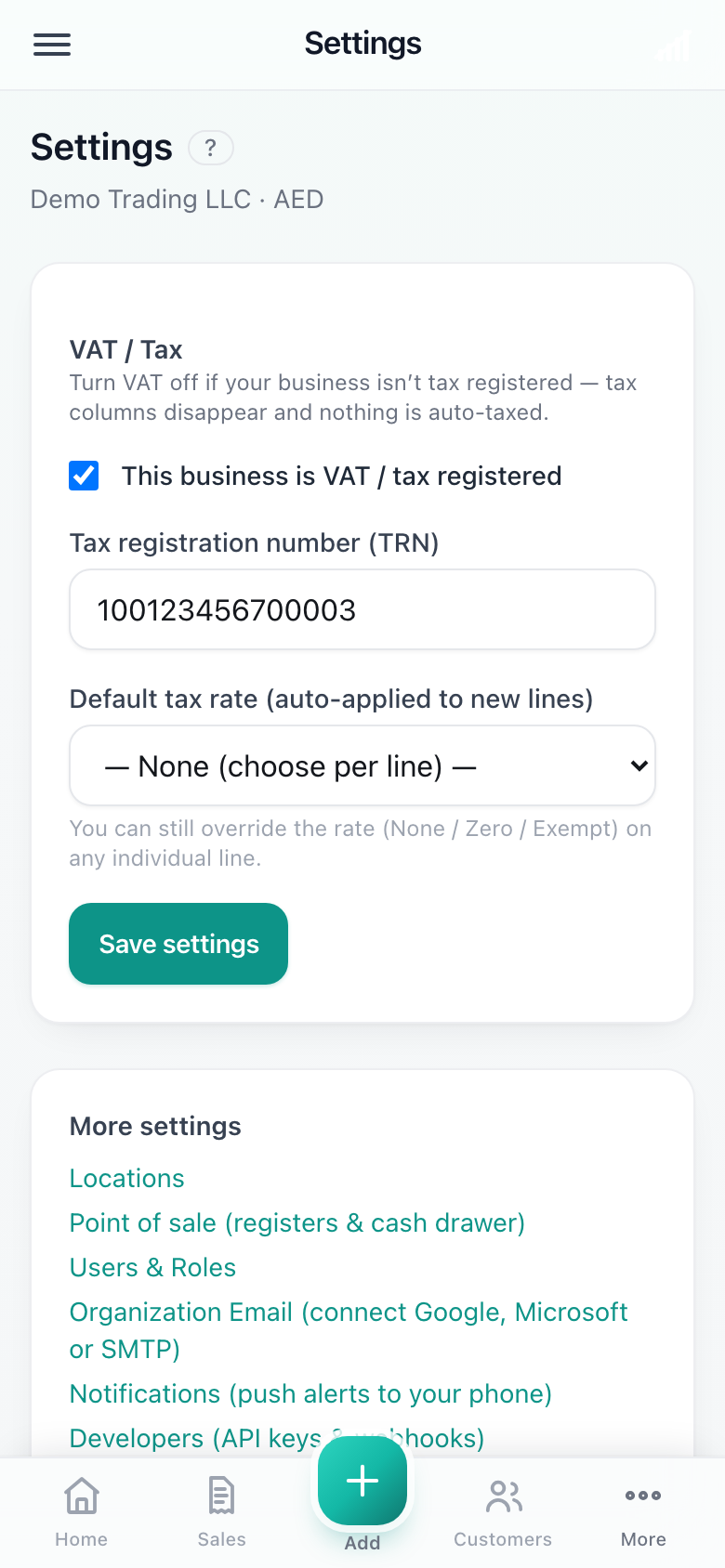
Settings.
Tip
Keep the message short and friendly, and always include how to pay — it gets invoices settled faster.
Related articles
All email & settings articlesStill stuck? Contact us